StandBy mode is one of the significant features to be added to the iPhone with the iOS 17 update, and here’s how to use it.
StandBy is a new mode that turns an iPhone running iOS 17 into something akin to a smart display, highlighting the time, weather, calendar appointments and even a photo slideshow.
If you want to use your iPhone as a handy bedside clock, this is an easy way to do that. The software works best with a wireless charging stand that sits the phone horizontally, however as long as the phone is charging in a horizontal position it will work.
Black Friday-level iPhone 14 deal
Now you’re chance to get the iPhone 14 with 100GB of data for just £36.99 a month and absolutely nothing to pay upfront.
- Mobiles.co.uk
- No upfront cost
- Only £36.99/month
View Deal
What you’ll need:
The Short Version
- Unlock the iPhone
- Open Settings
- Select StandBy
- Make sure it’s toggled on
- Place the iPhone horizontally on a charging stand
- The StandBy screen will appear
-
Step
1Unlock the iPhone
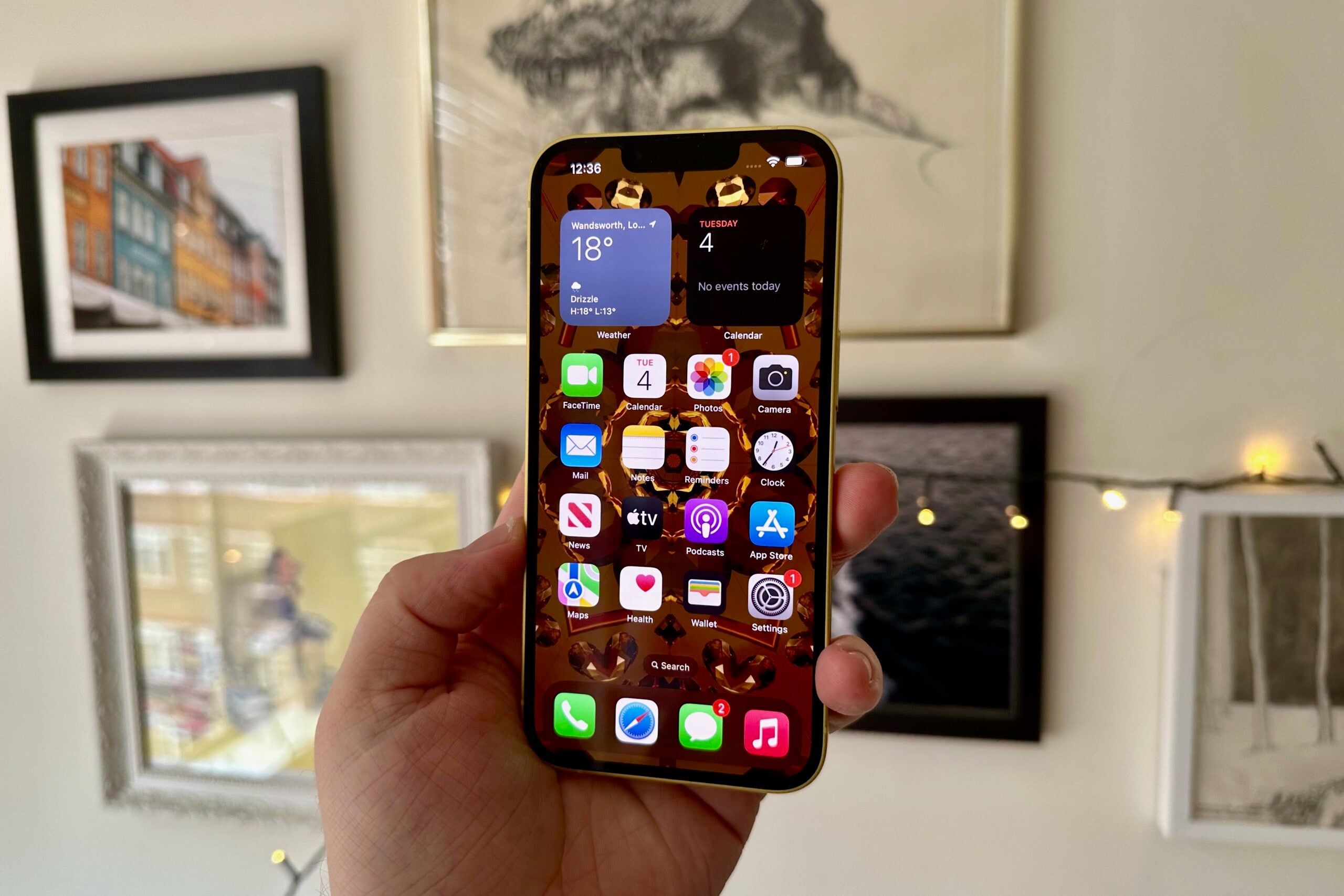
First off, unlock your iPhone running iOS 17.
-
Step
2Open Settings
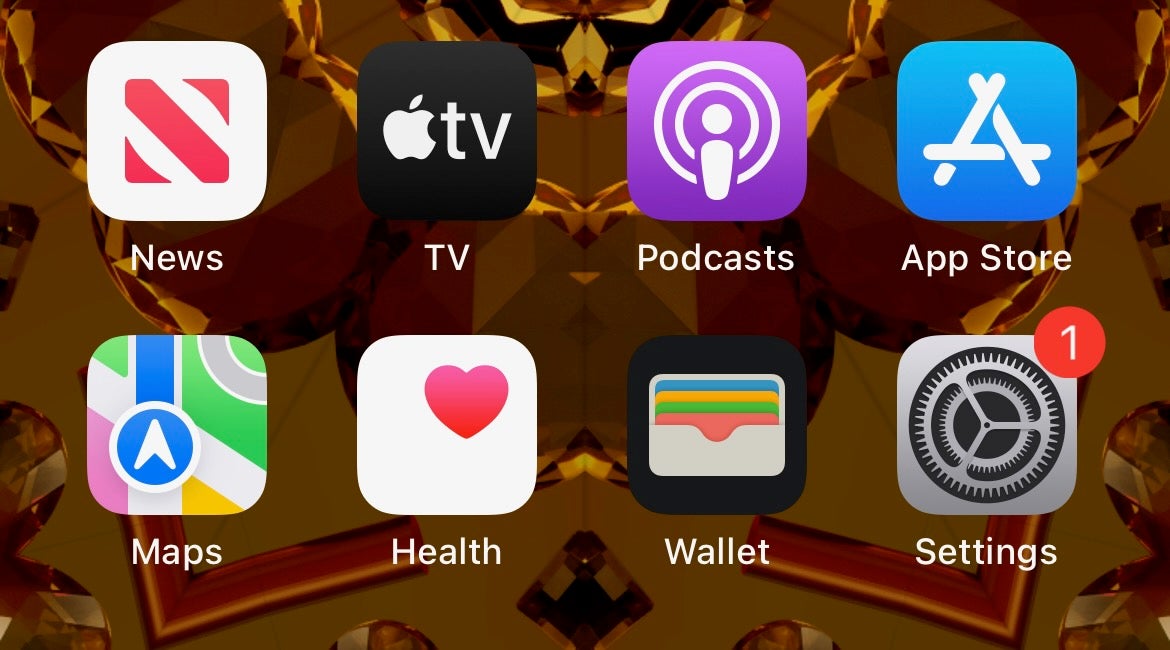
Next up, open the Settings app. This is the app represented by the cog icon you can see below.
-
Step
3
Once you’re in Settings, scroll down to the menu labelled StandBy. Tap it.
-
Step
4Make sure StandBy is toggled on

Make sure the toggle for StandBy is green. If it’s not, tap it to turn it on.
-
Step
5Place the iPhone in landscape on a charging stand
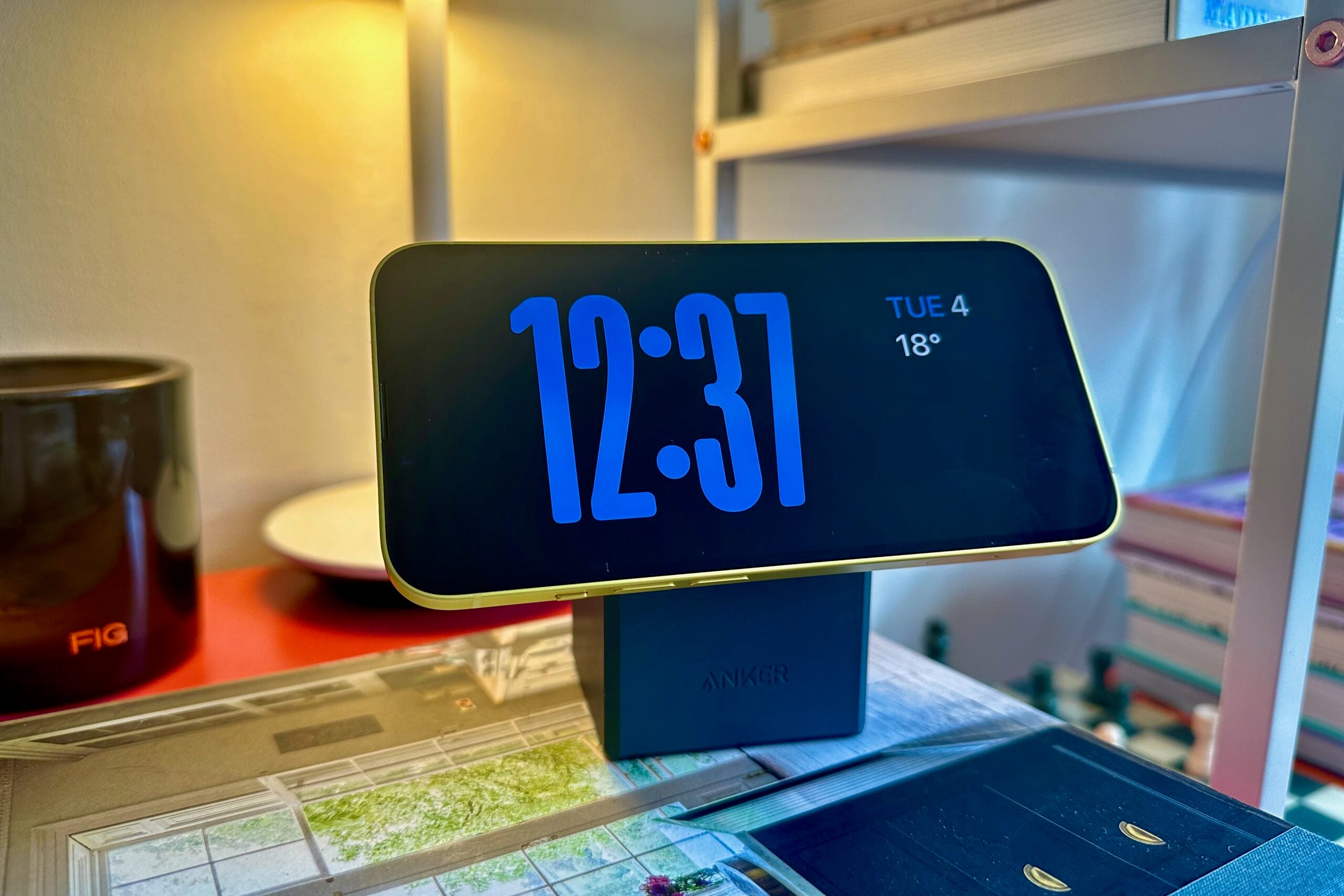
For StandBy to spring to life, you need to place your iPhone in landscape on a standing wireless or Magsafe charger. We used this Anker 3-in-1 Cube and it worked very well. You can then swipe up, down, left and right to change the display configuration, and you can tap and hold to customise the look too.
Troubleshooting
StandBy is a new mode introduced with iOS 17 that adds new functionality to an iPhone when it’s charging. The mode can show the time in various forms, photo albums, calendar appointments and Live Activities from within apps.
Yes, if you’re using this on the iPhone 15 Pro Max, iPhone 15 Pro, iPhone 14 Pro or Pro Max, this StandBy screen will stay visible like the current AOD does.
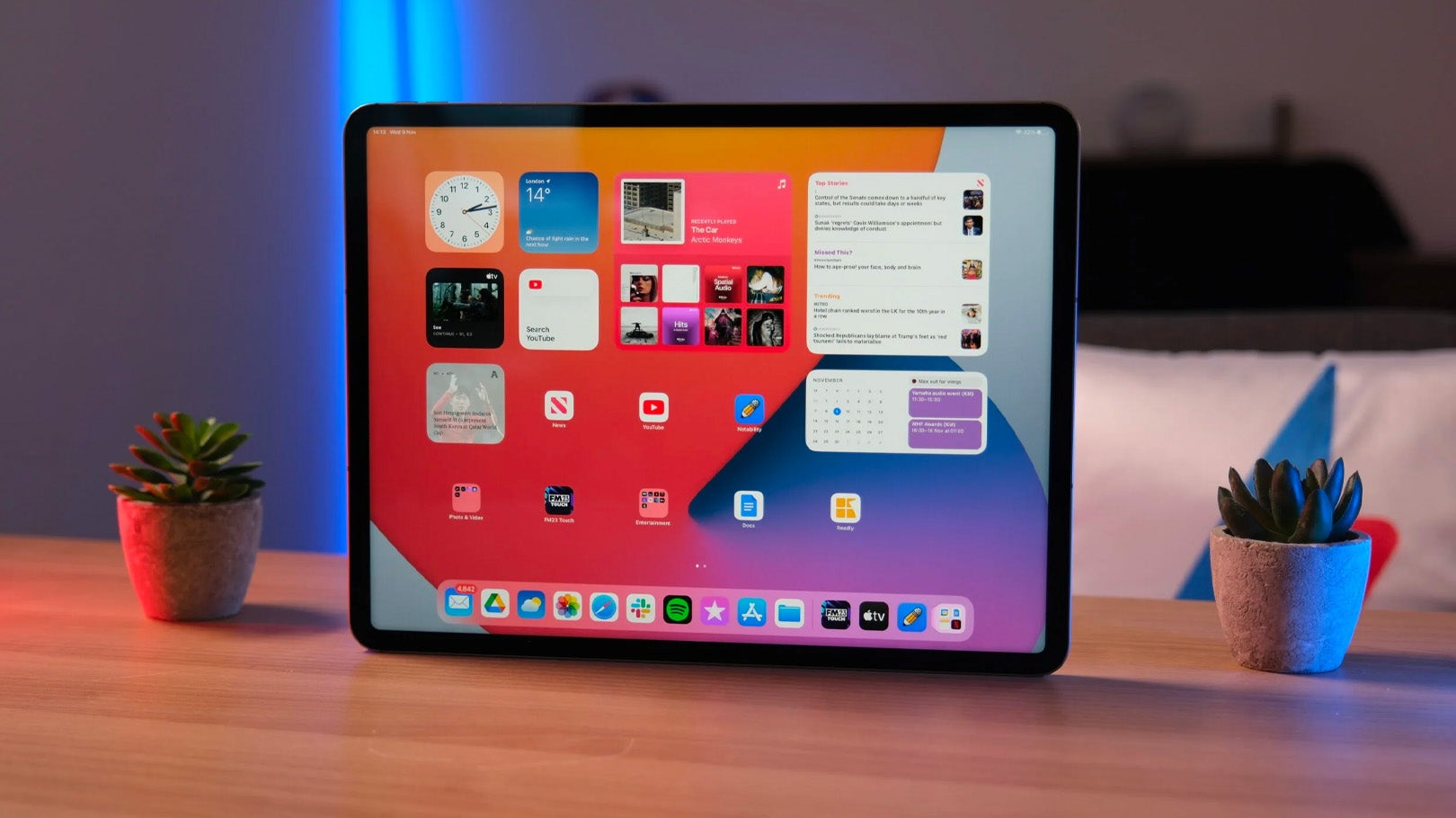
Sadly not. For now, this is an iPhone feature – however, there’s every chance it could come to the iPad in the future.
You might like…
Originally posted 2023-11-02 11:20:00.