We’re nearing the end of 2023 which means one thing for music fans – it’s time to check your Spotify Wrapped results.
Wrapped is Spotify’s annual recap of your personal listening habits, including your top artists, songs, albums and podcasts. It’s also a great opportunity to reminisce on the past year, with many Spotify users taking the time to compare their results with those of friends and followers on social media.
As always, Spotify has wrapped up your 2023 with a few extra features to keep things interesting. This year this includes your ‘Me in 2023’ listening character, your Sound Town (or city that matches your listening habits) and commentary from your own AI DJ.
Scroll down to discover how to view your own Spotify Wrapped in 2023…
What you’ll need:
- A Spotify account
- The Spotify app
The Short Version
- Open Spotify
- Tap on the Spotify Wrapped banner
- Tap to move through your Wrapped
- Tap Add To Your Library to save your personalised Your Top Songs 2023 playlist
- Tap Share This Story at any point to share your stats
How to get your Spotify Wrapped 2023
-
Step
1Open Spotify
You can use the iOS or Android app to view your Wrapped. If you’d rather use your browser, head to the troubleshooting section of this guide.
-
Step
2Tap on the Spotify Wrapped banner

You should be able to see this at the top of your home page.
-
Step
3Tap to move through your Wrapped
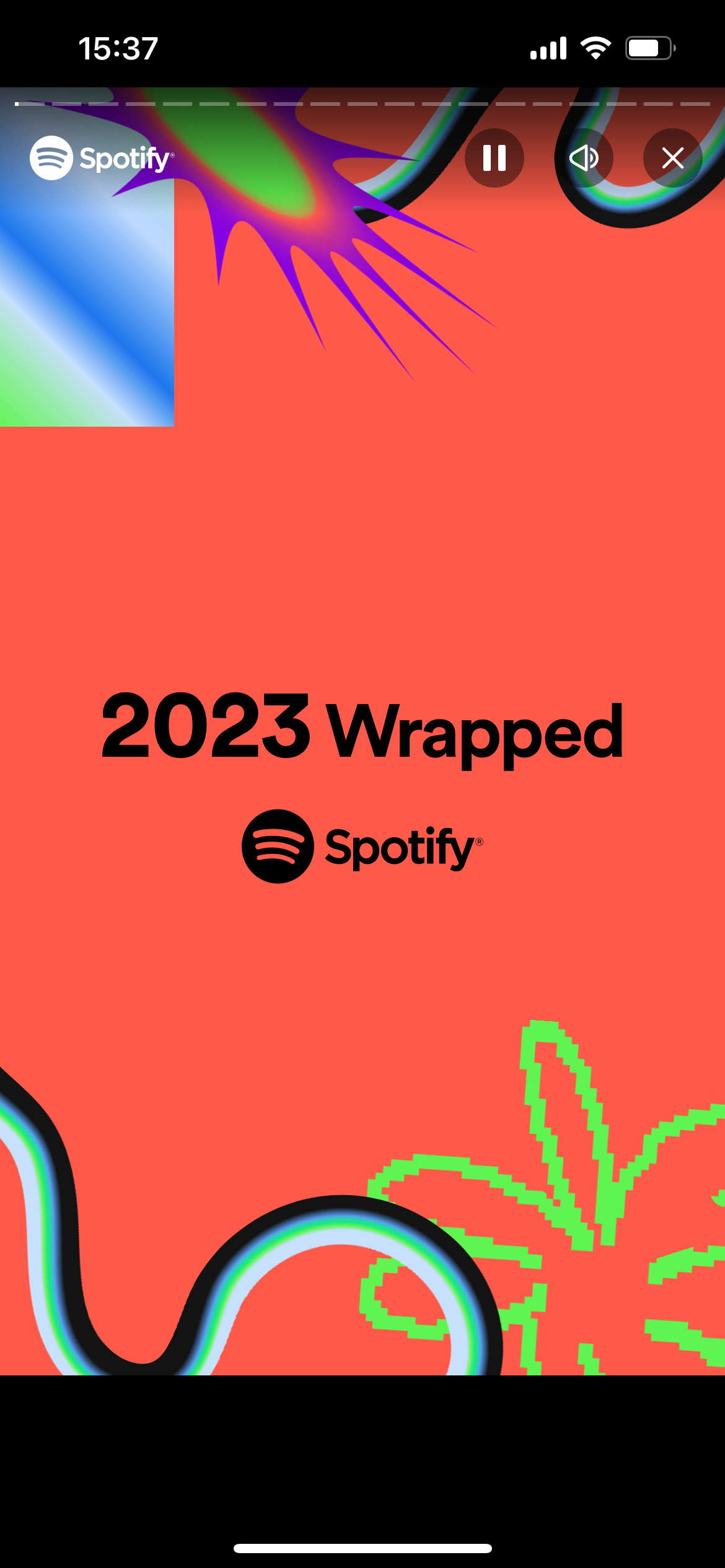
You can also pause to stop and read each slide.
-
Step
4Tap Add To Your Library to save your personalised Your Top Songs 2023 playlist

You can also skip this step or come back and save your playlist later.
-
Step
5Tap Share This Story at any point to share your stats
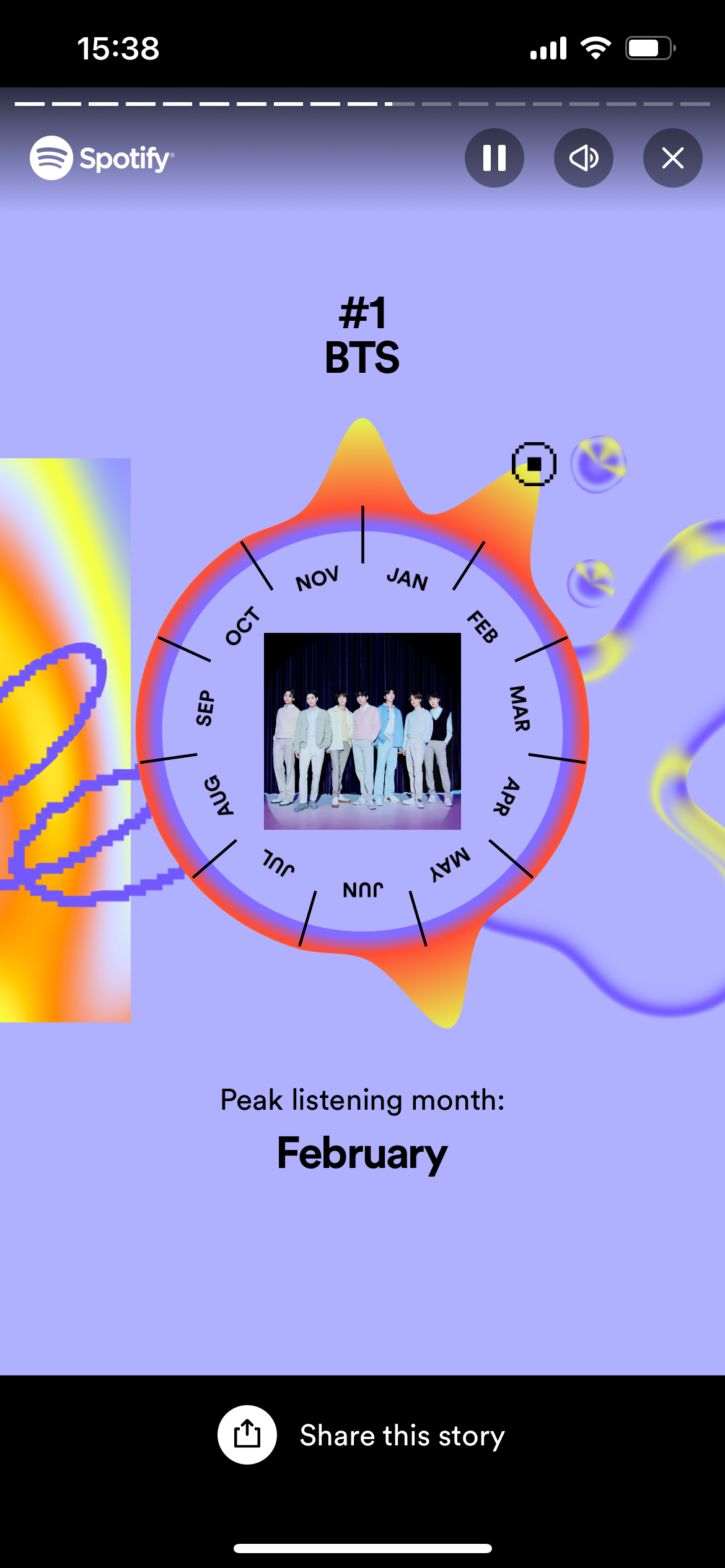
Or you can wait until the end to share your full list of top artists and songs.
Troubleshooting
If you can’t see your Wrapped, you might need to update the Spotify app on your iOS/Android device. If this doesn’t work, you can always view your Wrapped using the browser method below.
2023 is actually the first year you’re able to view your Spotify Wrapped from any browser. All you need to do is visit Spotify.com/Wrapped and sign into your account to see your results.
Originally posted 2023-11-29 16:36:33.