The battery inside your MacBook won’t last forever and as you use it for an extended period its health and maximum charge capacity will deteriorate.
It is possible to get a quick look at the health of the battery in a MacBook by navigating to the Battery Health section of System Settings inside macOS.
Below we will lay out the steps so you can quickly gauge what condition the battery is in. This feature was introduced with macOS Catalina, however the steps below are taken from a machine running macOS Sonoma.
What you’ll need:
- A MacBook running macOS Catalina or newer
The Short Version
- Log in to the MacBook
- Open up System Settings
- Select Battery
- Click the ‘i’ symbol
-
Step
1Log in to the MacBook
To begin, log into your MacBook so you’re looking at the desktop.
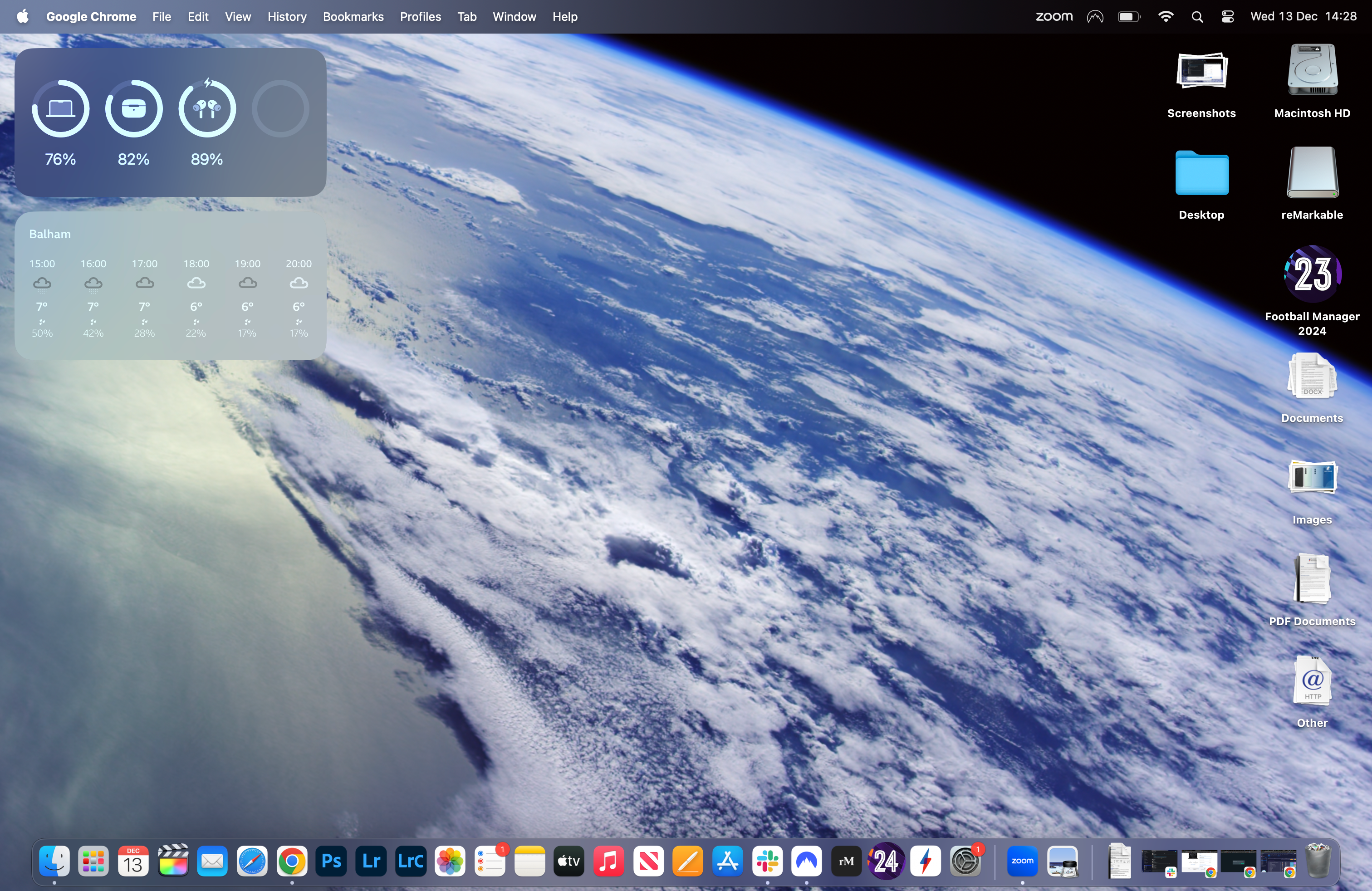
-
Step
2Open up System Settings
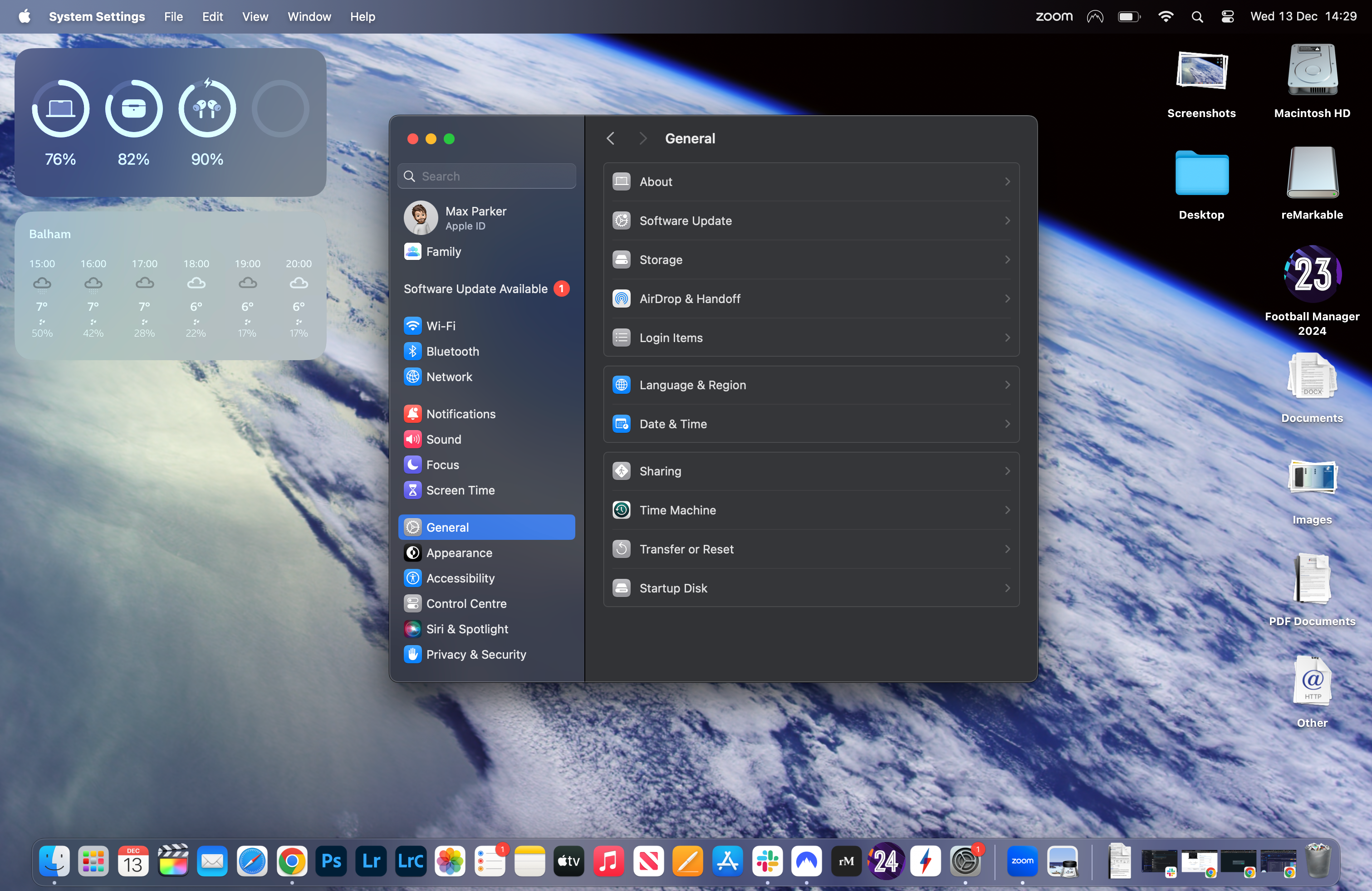
Open up System Settings either by searching for it via Spotlight or finding it in the dock. it has an icon that looks like a cog.
-
Step
3Select Battery
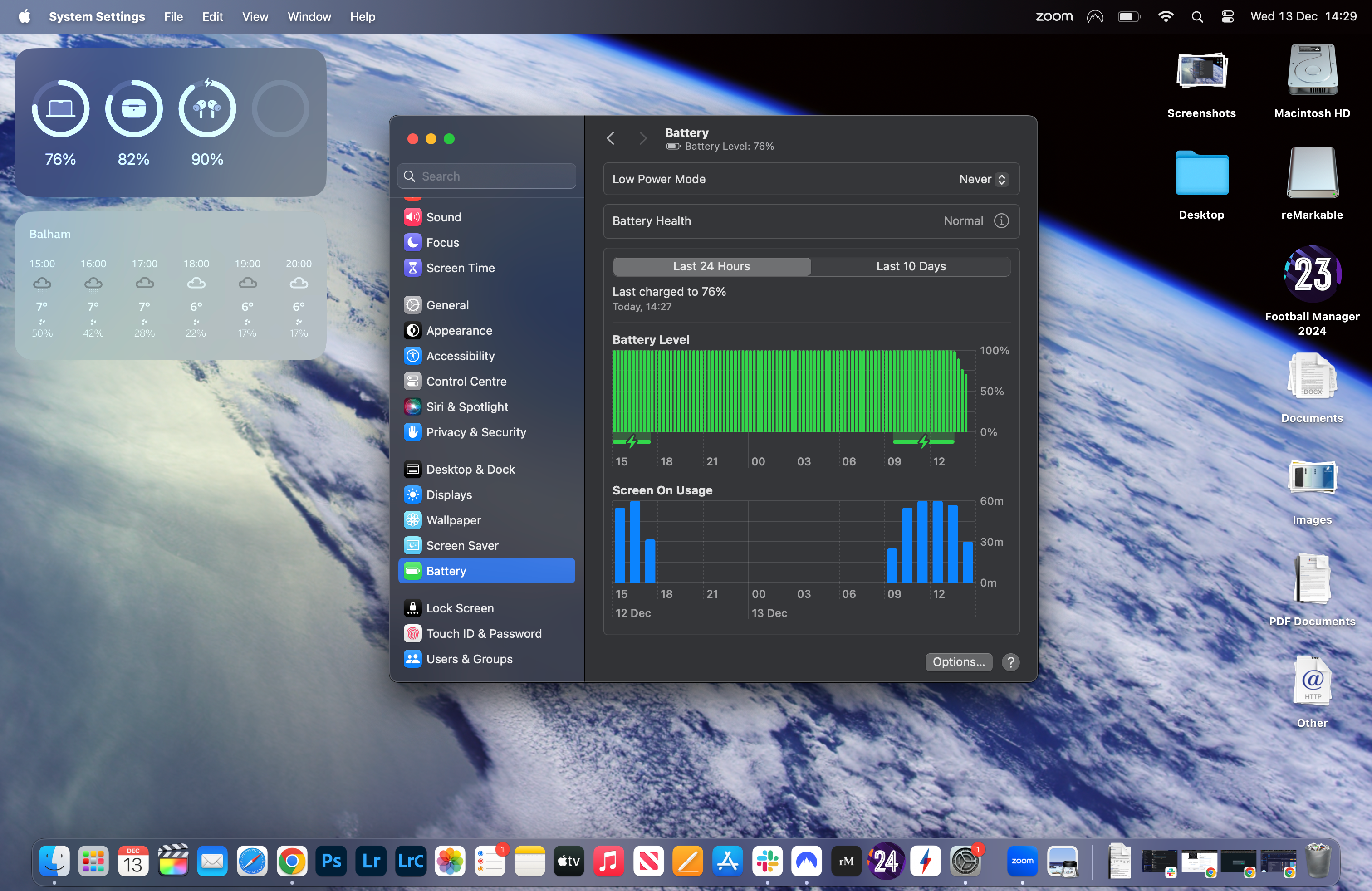
Once inside System Settings, scroll down and click on the Battery option. This will open up a new menu dedicated to battery options.
-
Step
4Click the ‘i’ symbol
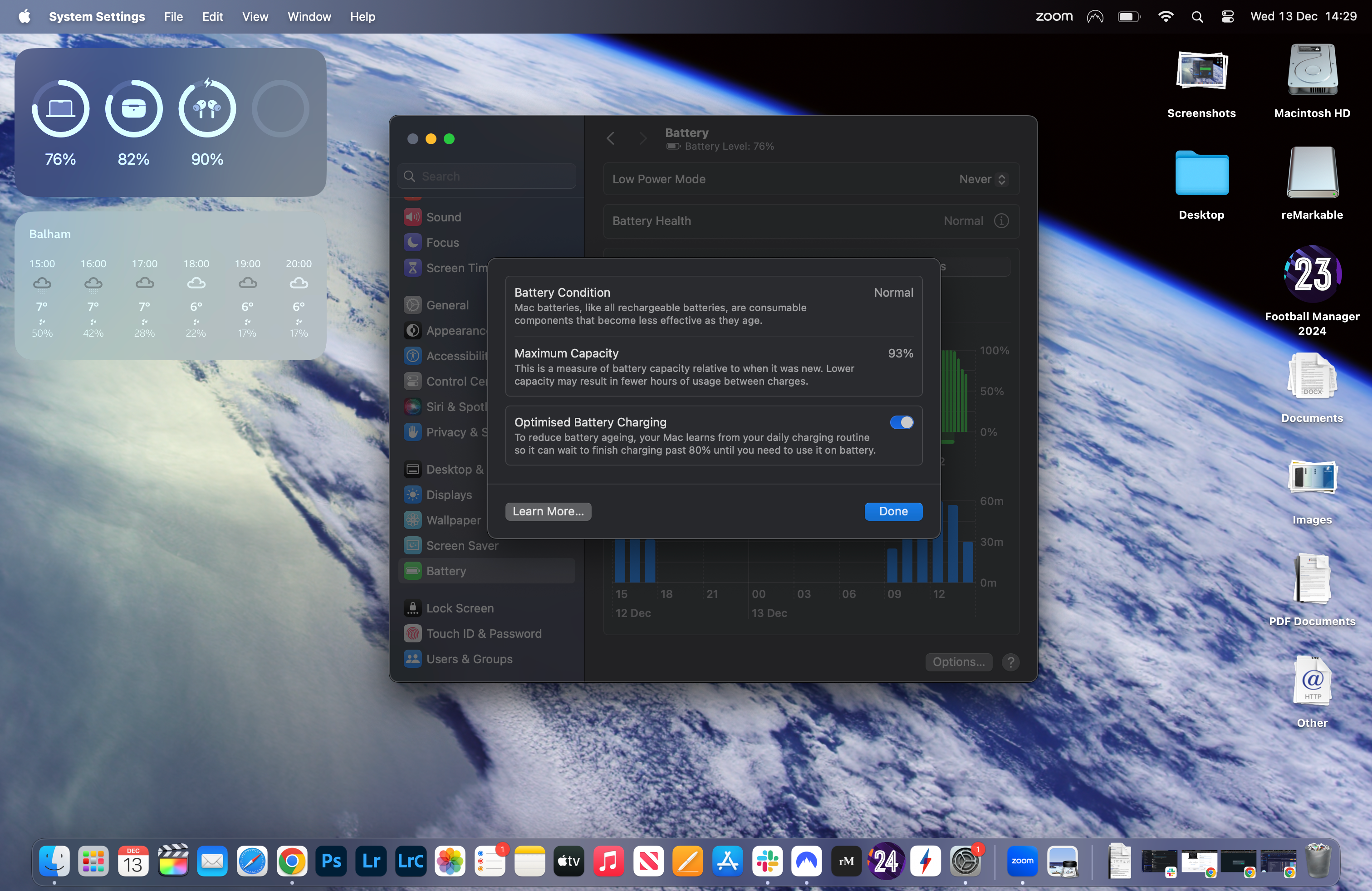
In the Battery section, there’s a row called Battery Health. Click the ‘i’ icon next to this to get a gauge on your laptop’s overall Battery Health. As you can see from the screenshot, this machine has a maximum capacity of 93% and a Normal battery condition. If you tap the Learn More box, you’ll be taken to Apple’s site with extra information.
Troubleshooting
If your Battery Condition is showing as Normal then everything with your battery is functionality as it should. If it shows Service Recommended the battery may still be performing as it should, but it will hold less charge. This is when you can look at getting the battery replaced to improve performance.
Originally posted 2023-12-15 10:00:00.