MacOS Sonoma finally dropped in September and there’s a few new features to explore. You’re able to add websites to your dock as if they are an app all of their own. Here’s how to do it.
The latest version of MacOS Sonoma has landed and its worth getting your device updated if you’ve got a compatible model. One of the most interesting new feature is one we’ve seen on the Windows side of things for quite a while now.
In MacOS Sonoma, you can add a website to your dock, as if it was an app. This gives you quick access to a website you regularly visit. This is how you can get it done.
What you’ll need:
The Short Version
- Open your chosen website in Safari
- Select File
- Click Add to Dock
- Then, click Add
Apple Music
Apple Music gives you access to over 100 million songs and 30,000 playlists, ad-free. Listen online or off, across all your devices, and hear sound all around in Spatial Audio with dynamic head tracking. You can now try 1 month for free!
- Apple
- Get 1 month free
- £10.99 p/m
Sign up
-
Step
1Open your chosen website in Safari
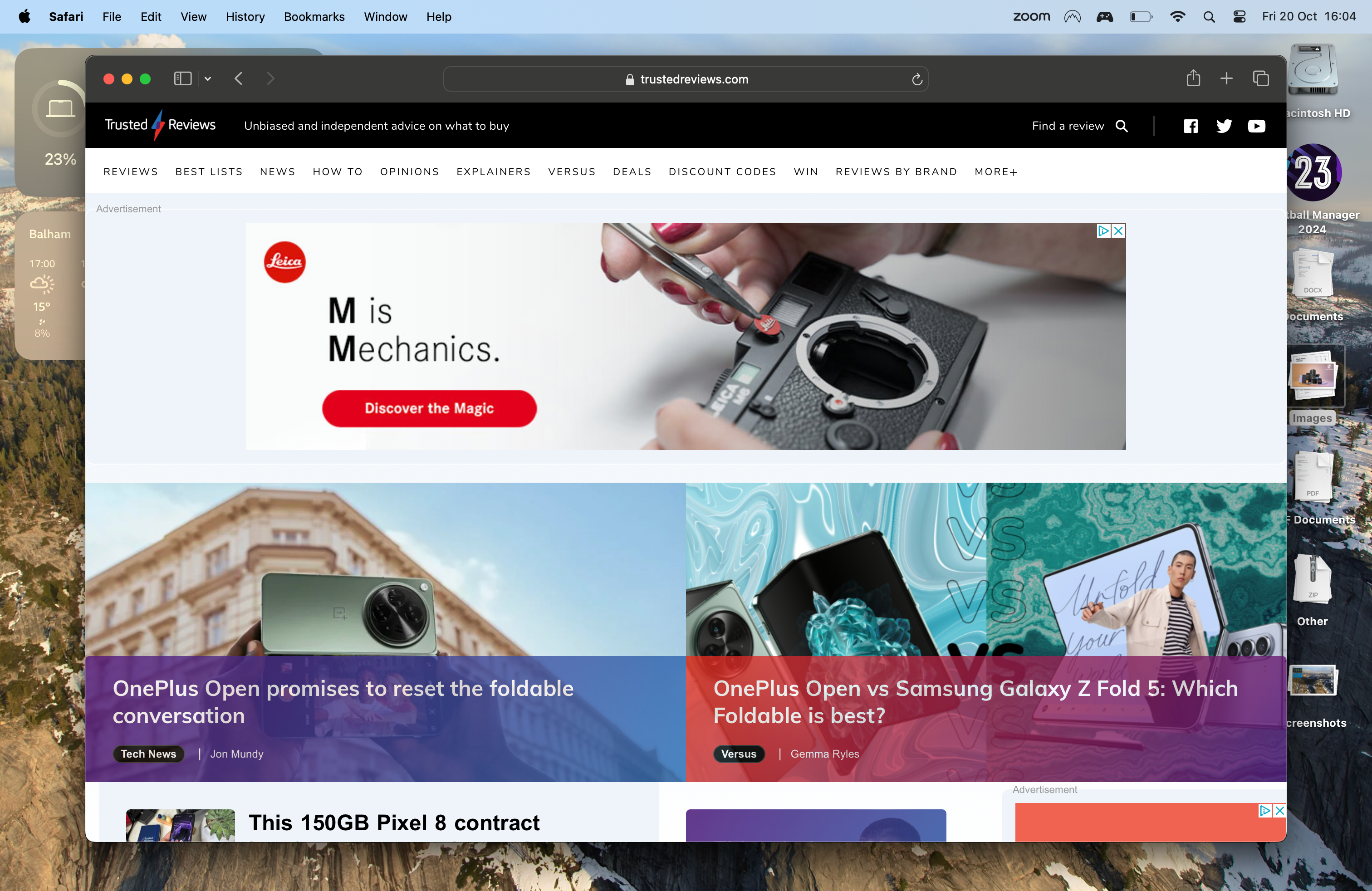
Begin the process by opening up Safari in MacOS Sonoma.
-
Step
2Select File
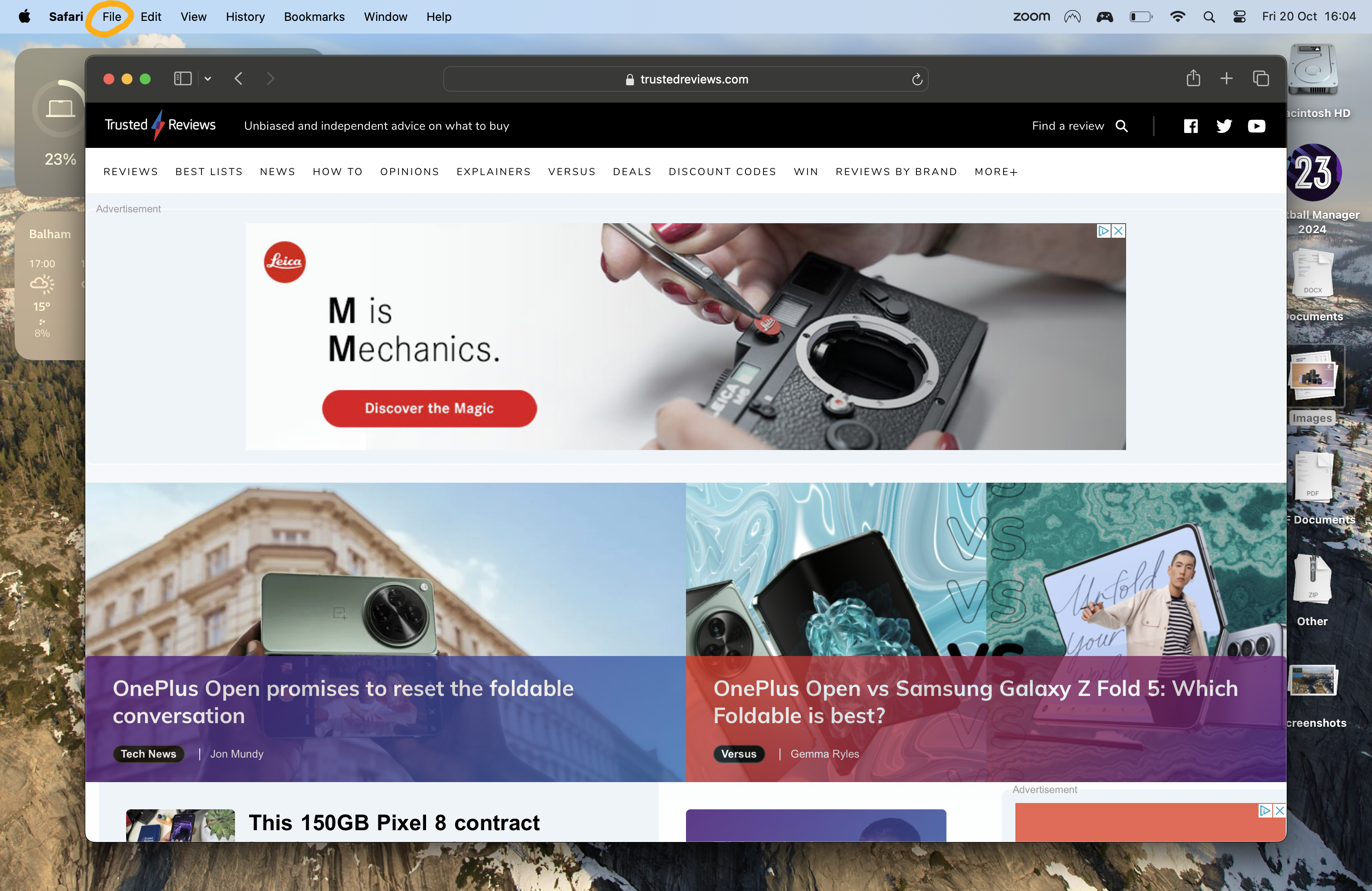
In the top left corner of your window, click File.
-
Step
3Click Add to Dock

A drop down menu will appear. Select Add to Dock.
-
Step
4Then, click Add
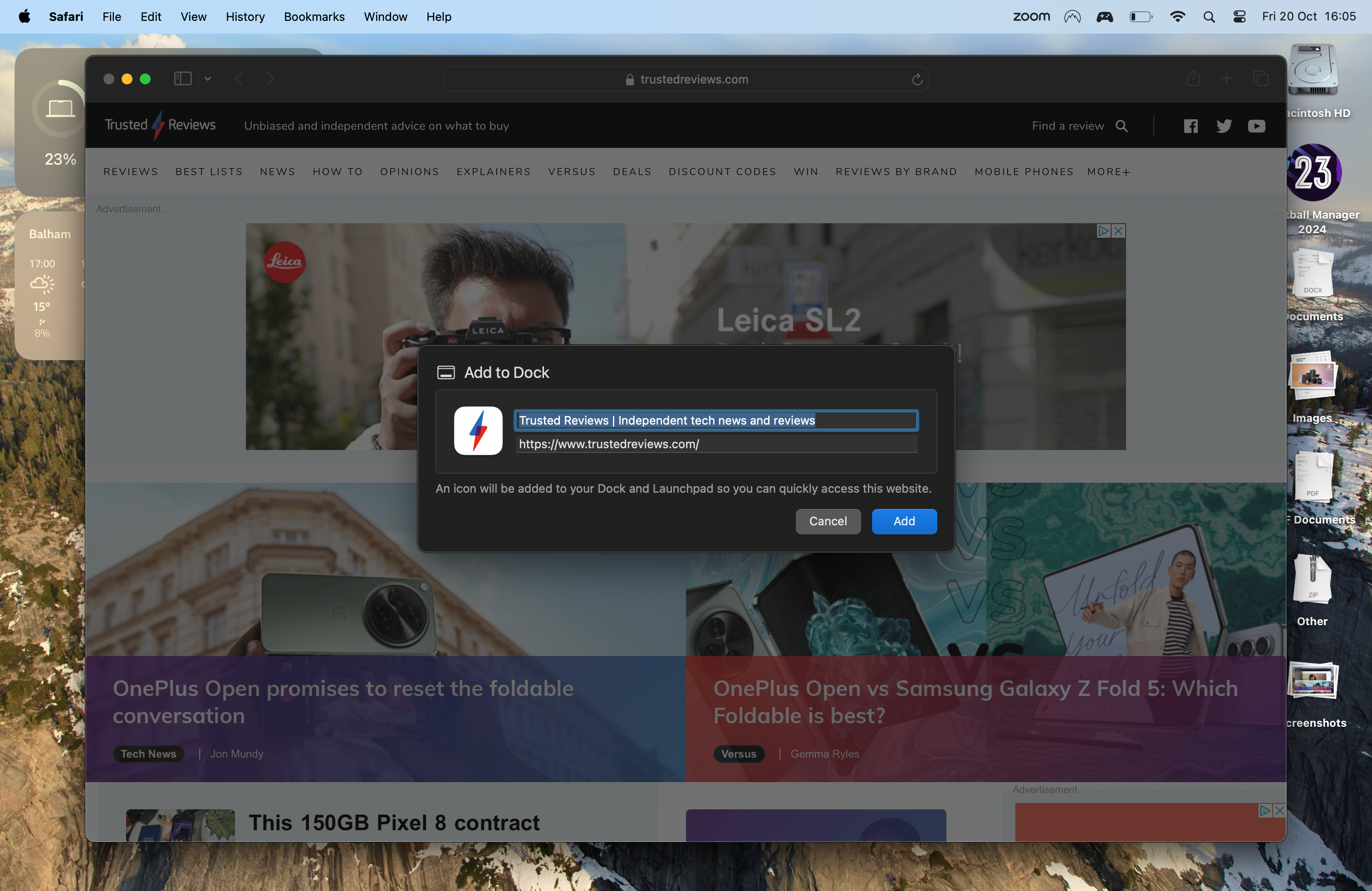
Click Add in the pop-up window and your app will now be in the dock. You can also change the name and exact website address in this window, if you’d like.
Originally posted 2023-10-23 14:27:52.