Frequent Spotify users will know that the platform has a knack for knowing what you want to listen to next. Now, that process is even easier with Spotify’s own AI DJ.
Spotify debuted a new AI DJ feature earlier this year and it’s finally made its way over to the UK and Ireland. The AI DJ combines all the Spotify smarts we’ve come to love to deliver users a personalised DJ experience that caters to your exact music taste.
It does this through a mix of generative AI, Spotify’s personalisation technology and a new dynamic AI voice that talks you through each mix of songs as they come up.
If you want to take advantage of Spotify’s AI DJ then make sure you keep reading, as we’re going to be running through how you can set it up in just a few simple steps.
What you’ll need:
The Short Version
- Open Spotify
- Tap the Music header
- Scroll down to the AI DJ
- Tap Next when you’re ready
-
Step
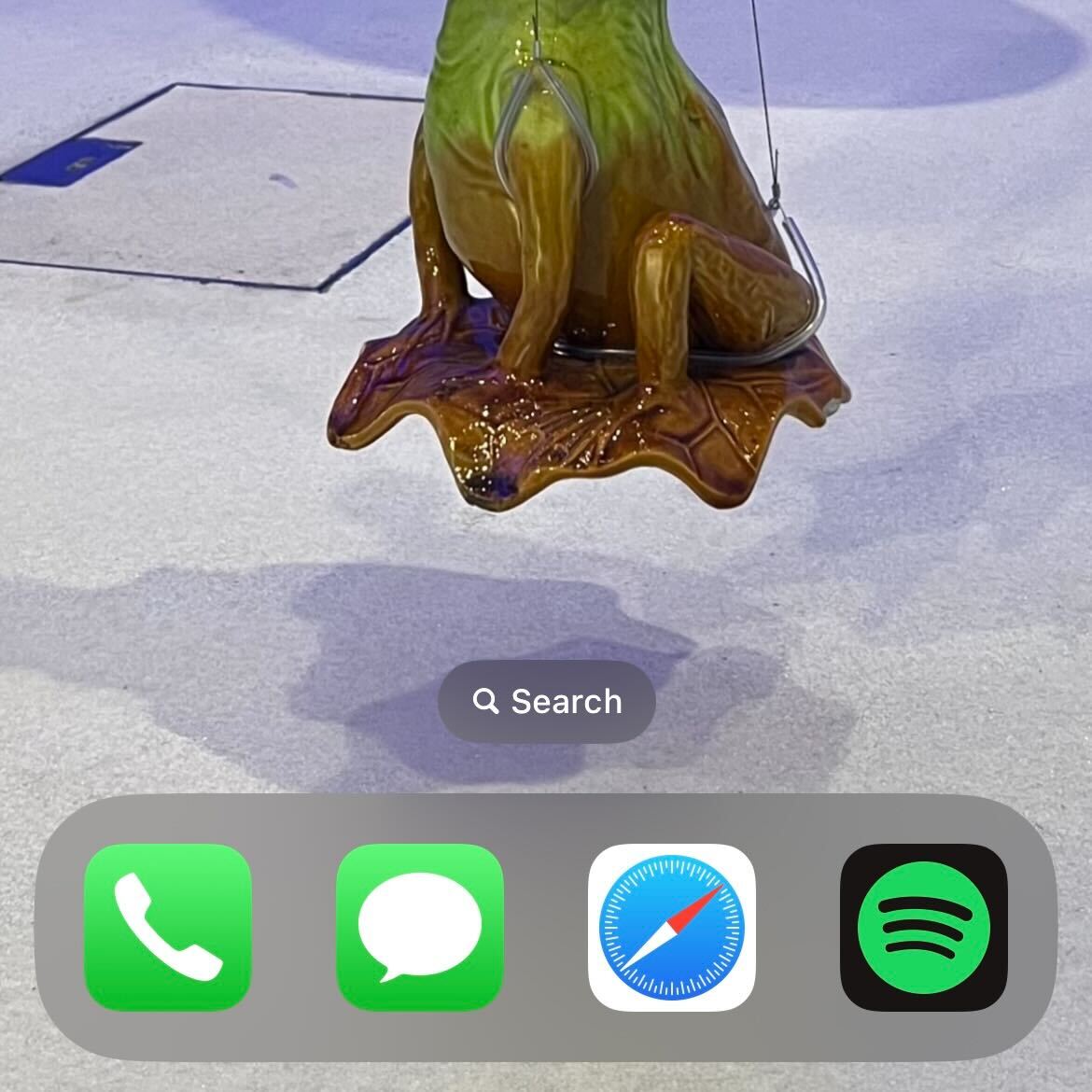
1Open Spotify
Open Spotify. This can be done using the dedicated app – which is available on iOS, Android, Windows and Mac – or using a web browser.
-
Step
2
At the top of the screen, there will be a menu selection. Tap the Music header.
-
Step
3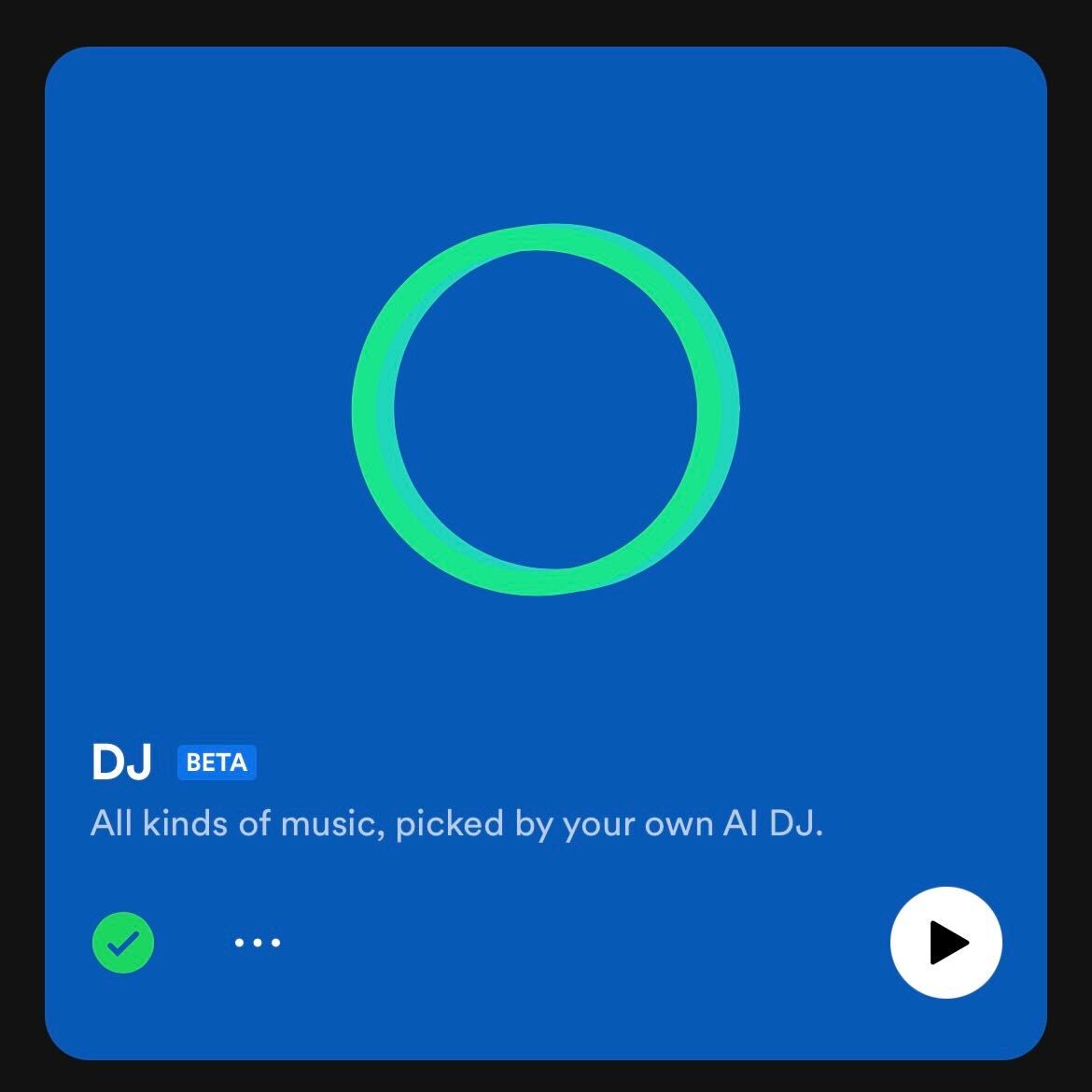
Scroll down the page slightly to the AI DJ section. It will show up as a large blue widget on the screen. Tap anywhere on it to activate it.
-
Step
4Tap Next when you’re ready
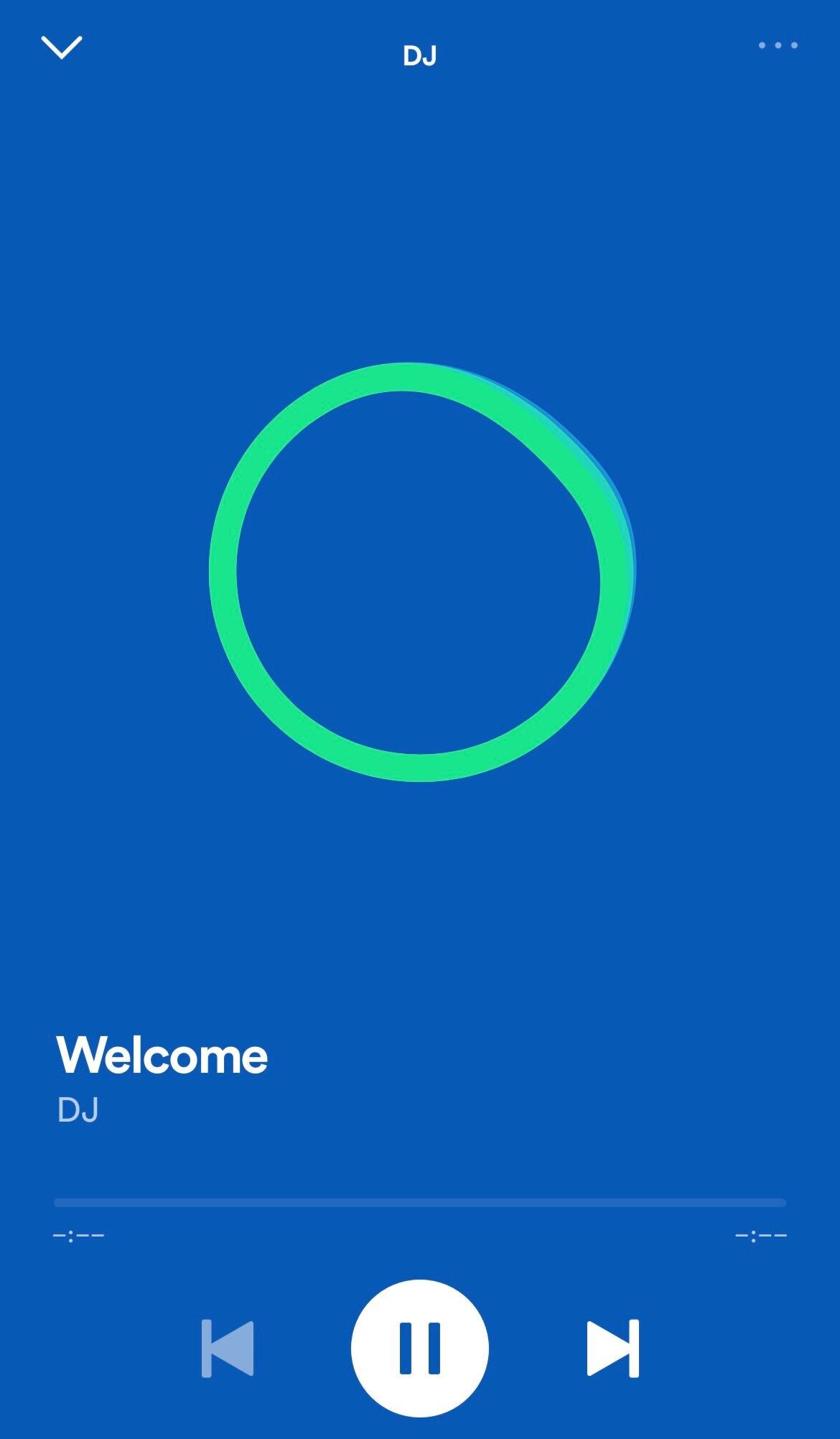
The AI DJ will start speaking, mentioning the genres and artists you like. Tap the Next button when you’re ready to start listening to a specially curated playlist.
Troubleshooting
Yes, you will need a Spotify Premium membership to use the AI DJ, those using the free version will not be able to access this feature. Those using plans like Premium Duo and Premium Family will also be able to use AI DJ.
Originally posted 2023-09-28 16:08:14.