Ever fancied talking to someone instantly through your Apple Watch? Well with the Walkie-Talkie app you can and here’s how to get it set up.
The Walkie-Talkie feature enables two Apple Watch wearers to talk to each other through a dedicated app. It’s a nifty way of staying in touch and works very well, offering a quicker solution than a phone call and one that is more personal than a text message.
Getting everything set up is, in typical Apple fashion, easy and most of the work is done on the Watch itself. See below for the full guide.
What you’ll need:
- Both yourself and the person you want to speak to need an Apple Watch running watchOS 5.3 or later
- FaceTime needs to be enabled and set up on both phones
The Short Version
- Unlock Apple Watch
- Open Walkie-Talkie app
- Add a contact
- Touch and Hold to talk
Apple TV+
The Home of Apple Originals. Enjoy star-studded, award-winning series, films, and more. Grab your 7 day free trial now.
- Apple
- 7 day free trial
- £6.99 p/m
Sign up
-
Step
1Unlock Apple Watch
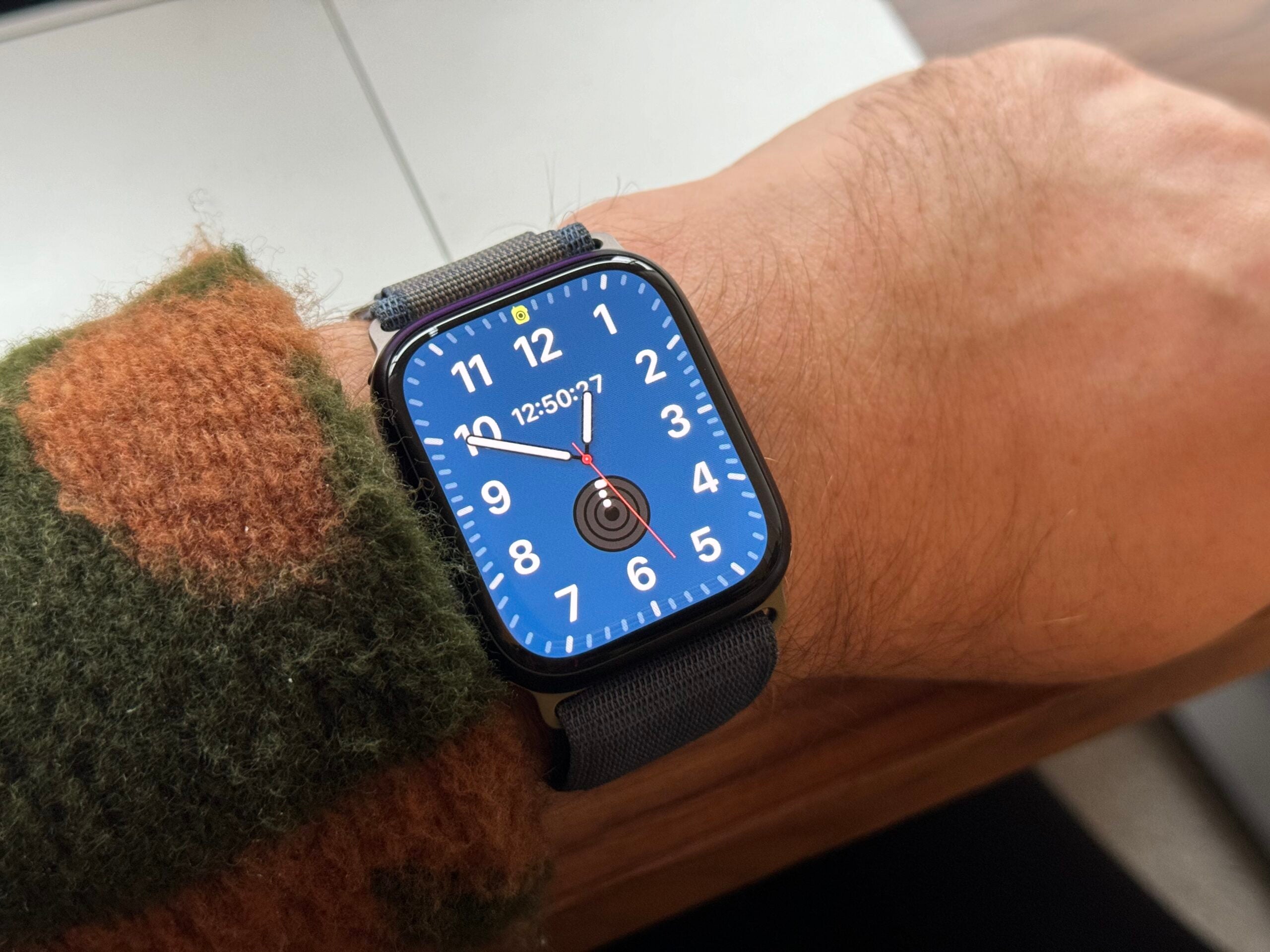
First off, unlock your Apple Watch so you’re looking at the watch face.
-
Step
2Open Walkie-Talkie app
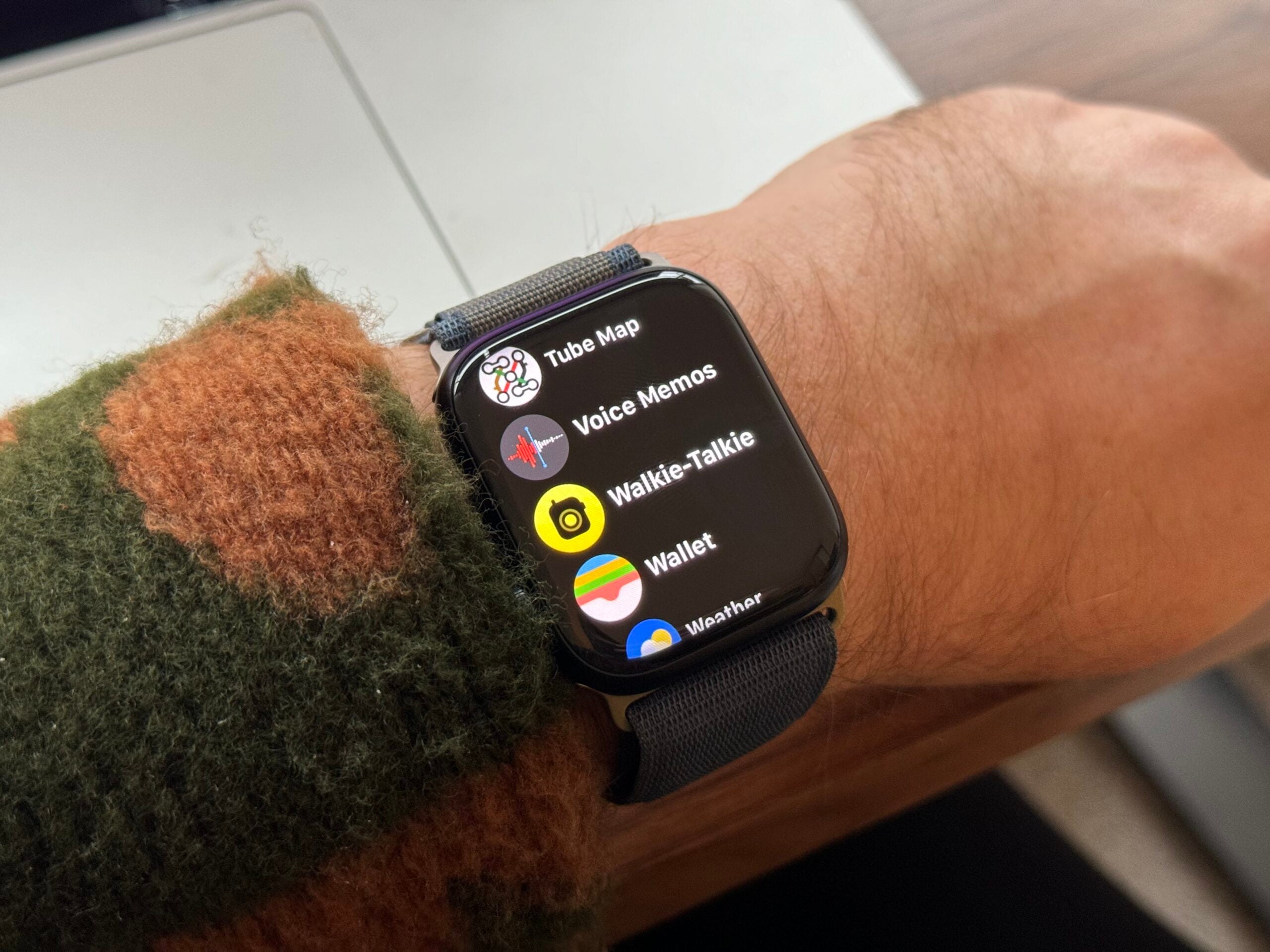
Next, press the Digital Crown to open up the list of apps and scroll down until you see the Walkie-Talkie app and tap it. This was first made available in watchOS 5.3 so you’ll need to be running this or later to see the app.
-
Step
3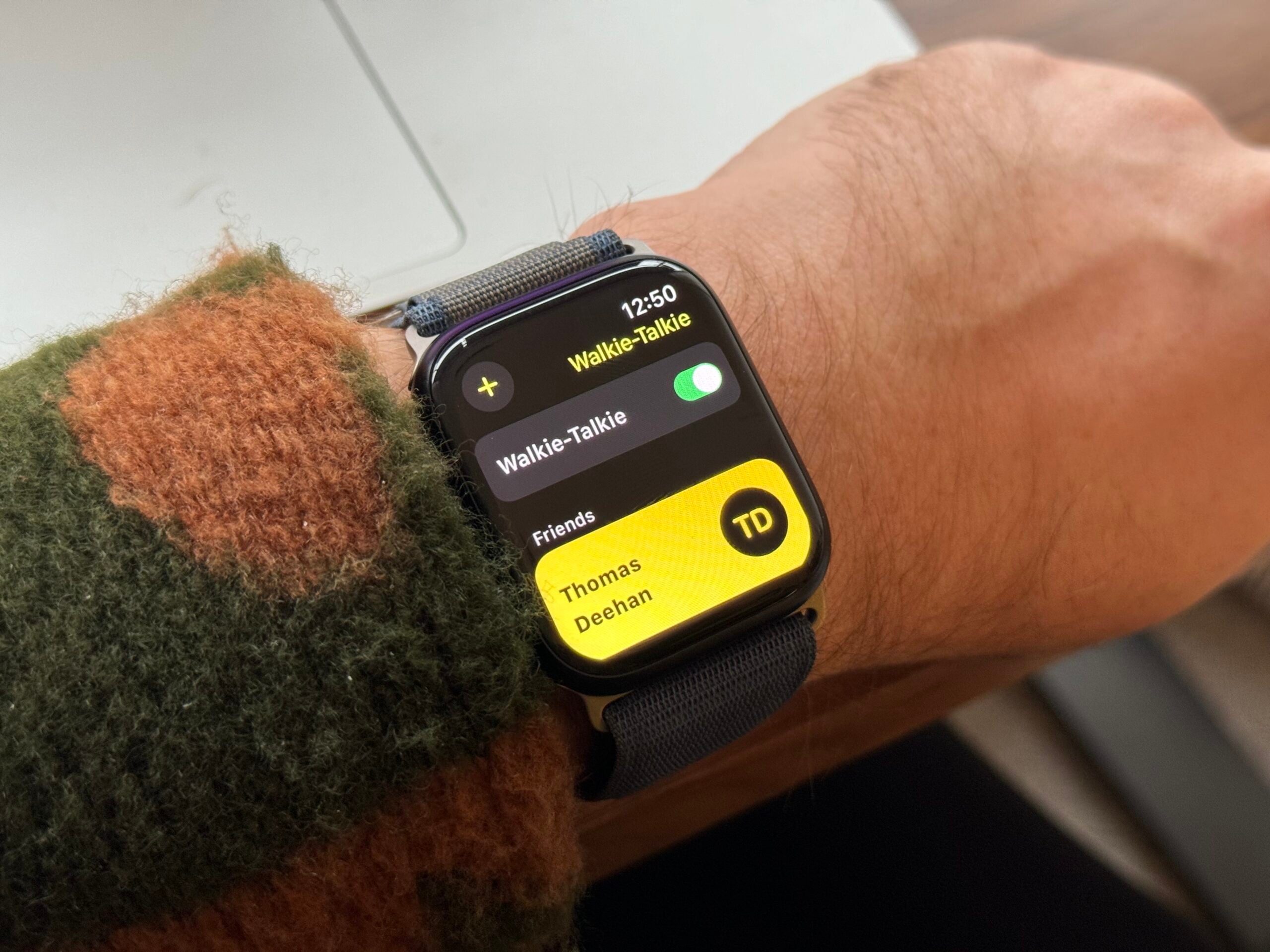
Once you’ve found the app and opened it, you’ll need to add a contact. Tap the ‘+’ icon and select the contact. Once they’ve accepted your request, they will appear in the Friends section of the app.
-
Step
4Touch and Hold to talk
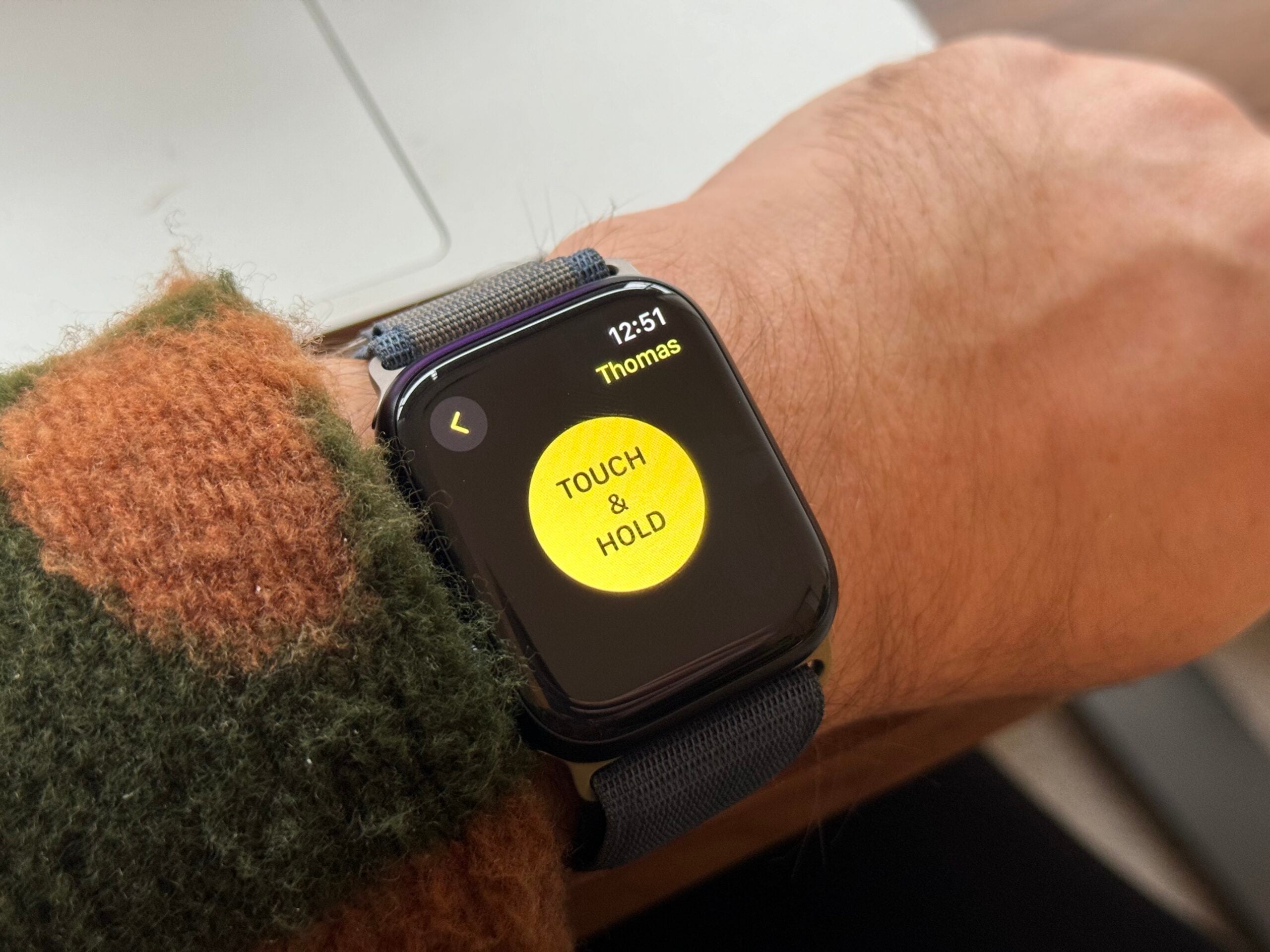
Tap on the contact you want to speak to, then tap the large yellow circle. You can now speak.
Troubleshooting
Apple says this feature isn’t available everywhere. To check which regions are supported, see the list here.
Originally posted 2023-12-08 10:00:00.