If you accidentally reposted a video on TikTok and want to remove it from your feed, make sure you follow these simple steps.
TikTok is one of the most popular social media apps on the market right now, with around 34 million videos posted to the platform every single day.
TikTok also gives its users the ability to repost videos to their own profiles. With so many videos available to repost, it’s likely that you will accidentally repost something that you don’t want to keep on your profile.
If that does happen to you, then you will want to make sure that you can undo it. Thankfully, undoing a repost on TikTok is very easy and can be achieved in just a few simple steps.
Keep reading to find out how you can undo a repost on TikTok, so you can get back to enjoying all the videos the platform has to offer.
Apple TV+
The Home of Apple Originals. Enjoy star-studded, award-winning series, films, and more. Grab your 7 day free trial now.
- Apple
- 7 day free trial
- £6.99 p/m
Sign up
What you’ll need:
The Short Version
- Go to the video you reposted
- Tap the Share Menu
- Press Remove repost
- Check your post has been removed
-
Step
1Go to the video you reposted
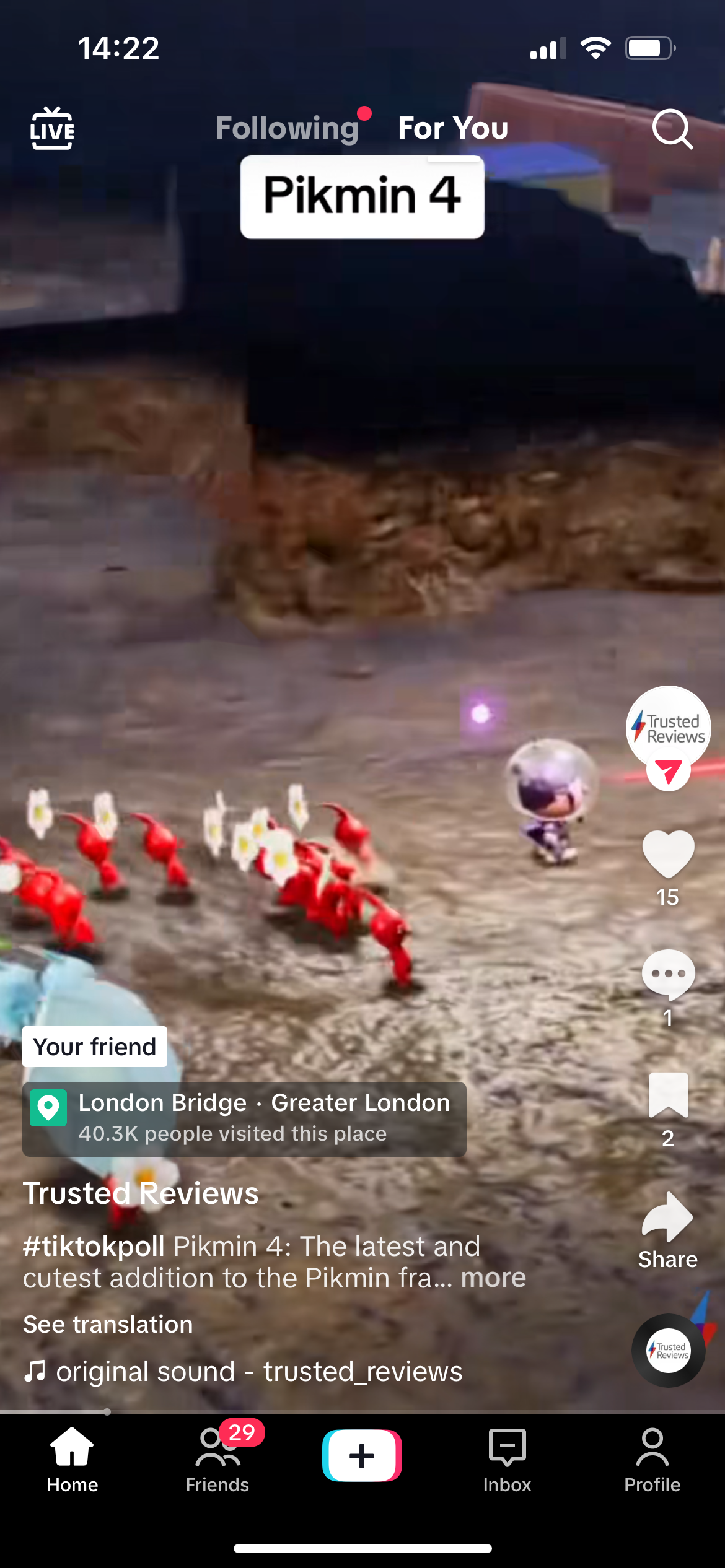
Log into your TikTok account. Go to your profile and find the video that you reposted.
-
Step
2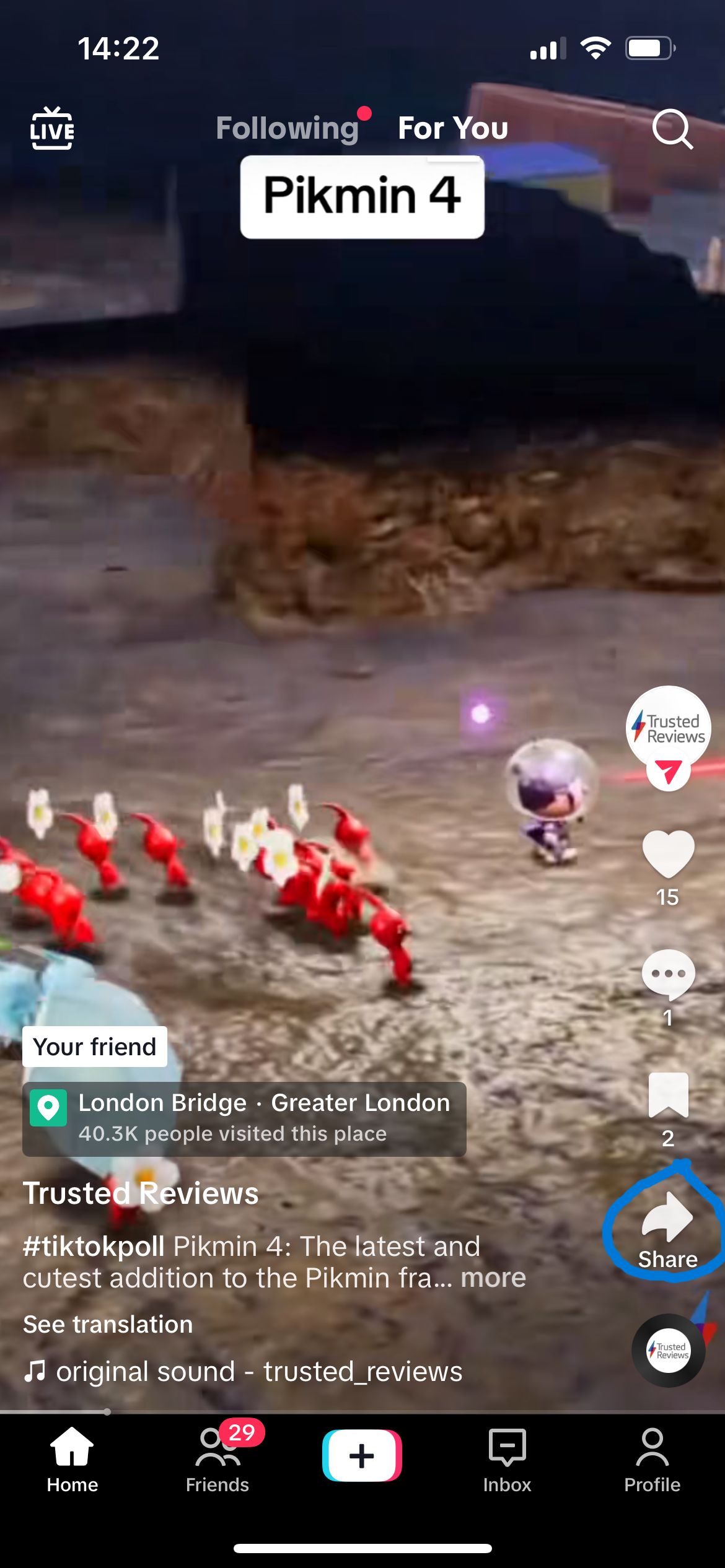
Tap the Share Menu. It sits on the right side at the bottom of the screen.
-
Step
3Press Remove repost
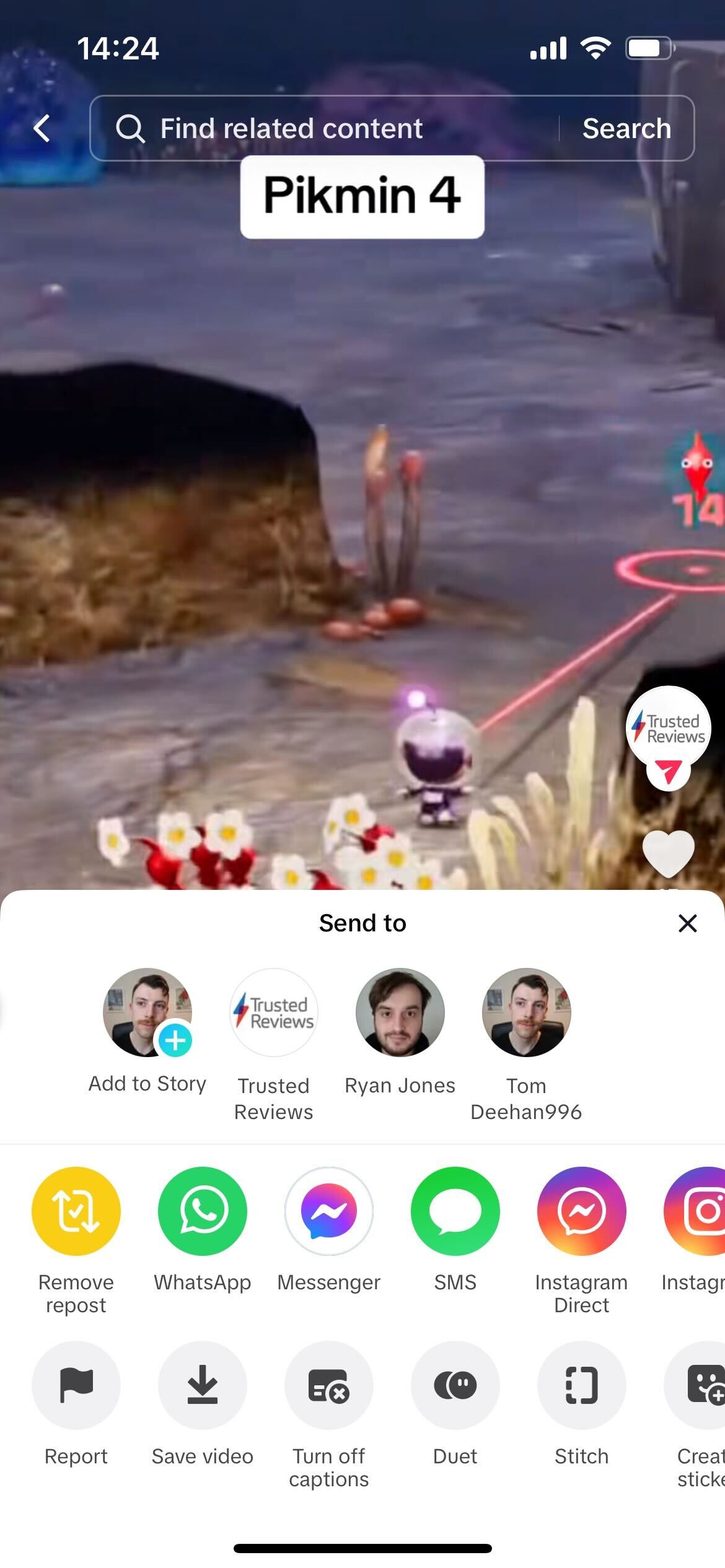
Click on the Remove repost button, it is yellow and sits on the left side of the screen.
-
Step
4Check your repost has been removed
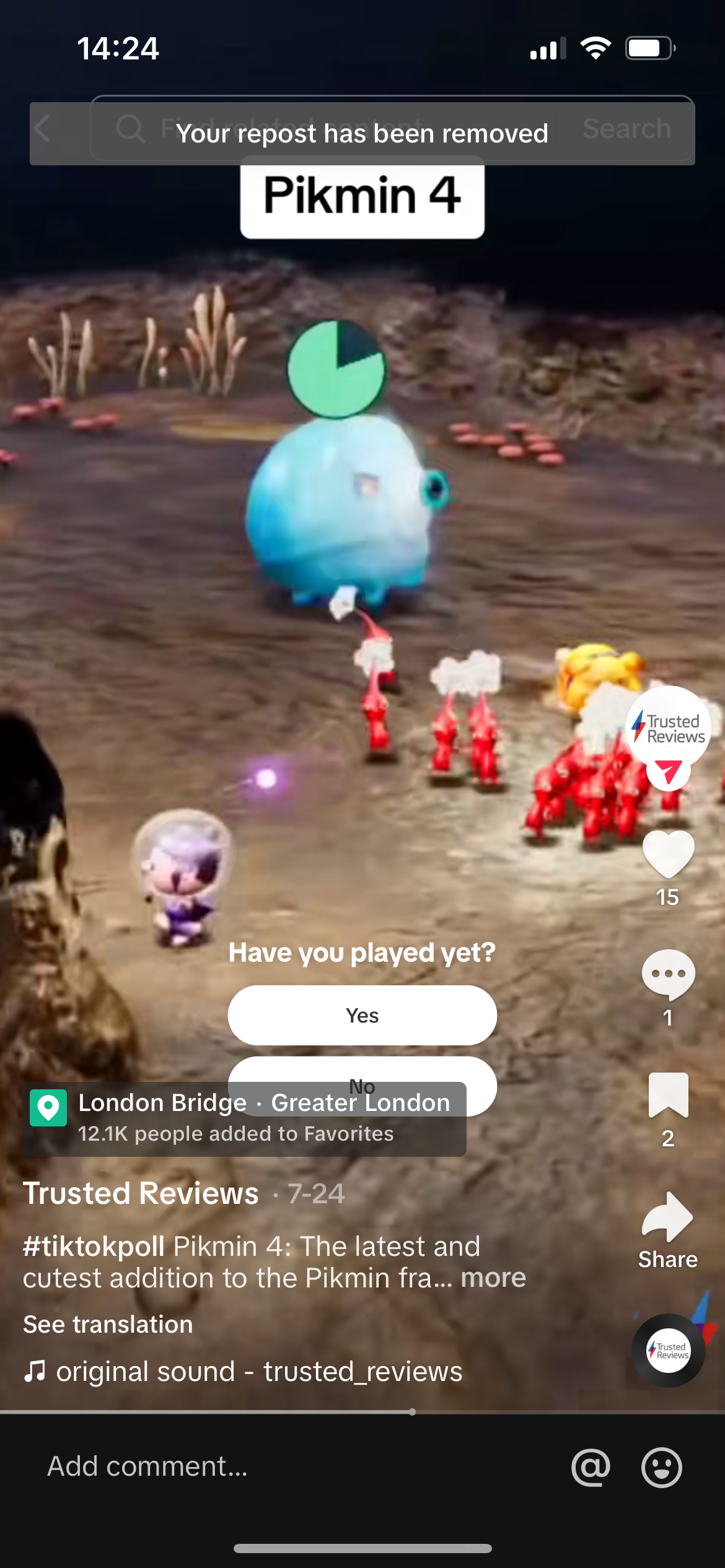
Once the video has been removed from your profile, you will get a small pop-up at the top of the screen confirming that your repost has been removed.
Troubleshooting
You can repost and share any videos you find on TikTok, there is no limit.
Originally posted 2023-08-09 15:02:56.