Acquiring new spaceships is one of the most rewarding aspects of Starfield, whether you’re paying for them with credits, building one from scratch or stealing from an unsuspecting victim.
Once you’ve amassed a collection of ships, it may be worth selling one or two that you no longer need, as you can bag a lot of credits in return. Then you should be able to afford some serious upgrades to make your other ships as fast and powerful as possible.
However, Bethesda hasn’t made it clear how to sell spaceships, so we’ve decided to create this step-by-step guide to show you how. Note that you’re not able to sell your active ship, so must have at least one spare in order to sell.
What you’ll need:
The Short Version
- Locate a Ship Service Technician
- Press A to talk
- Select “Let me see what you have for sale”
- Press Y to enter Sell mode
- Press A on the ship you want to sell
- Confirm sale
-
Step
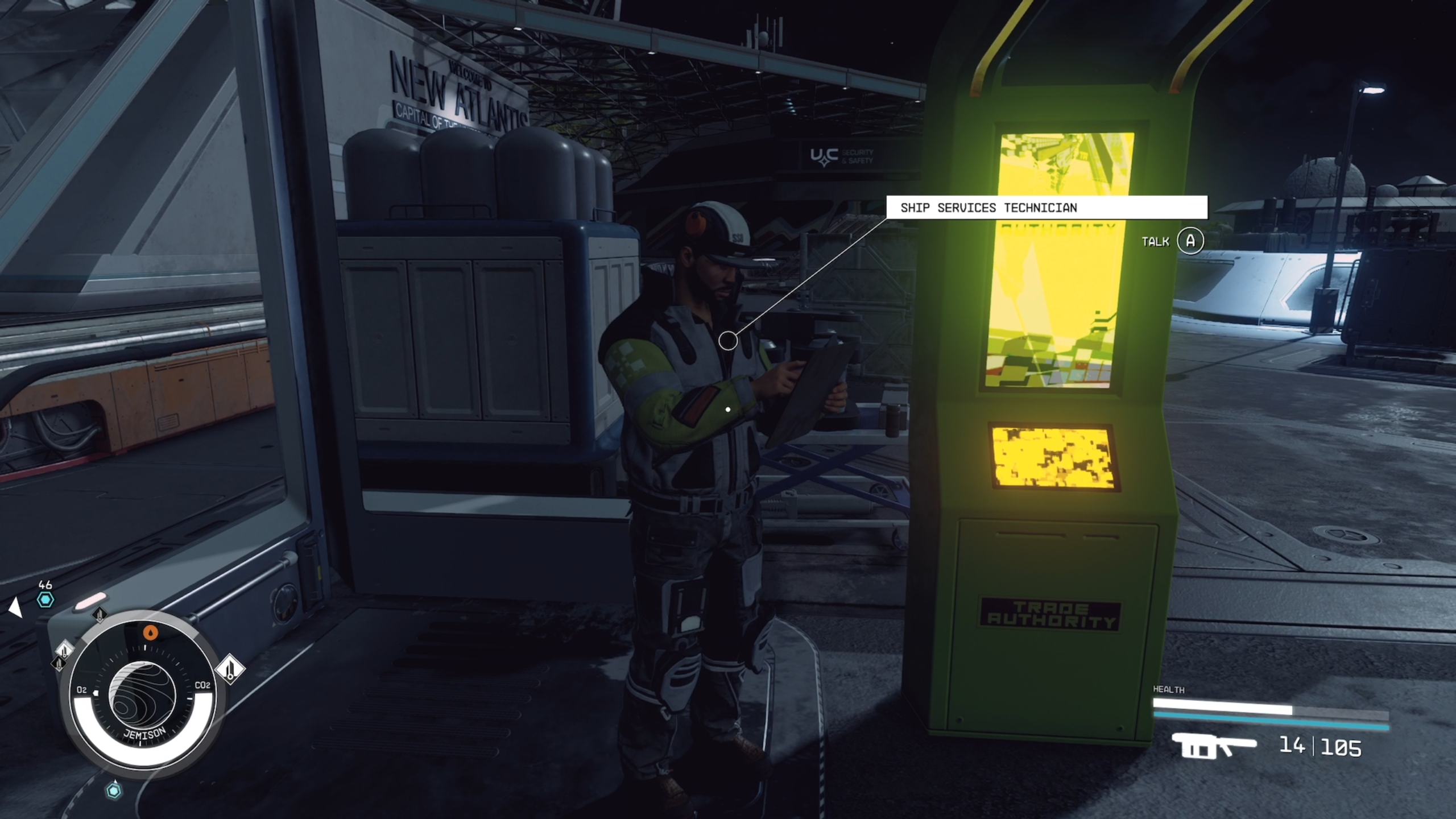
1Locate a Ship Service Technician
Only specific vendors called Ship Service Technicians can purchase a ship from you. These are located in spaceports of civilised settlements such as New Atlantis City, Akira City and Neon. There will also be certain space stations that will be happy to trade ships with you.
-
Step
2Press A to talk

Start talking to the Ship Service Technician in order to begin a transaction.
-
Step
3Select “Let me see what you have for sale”
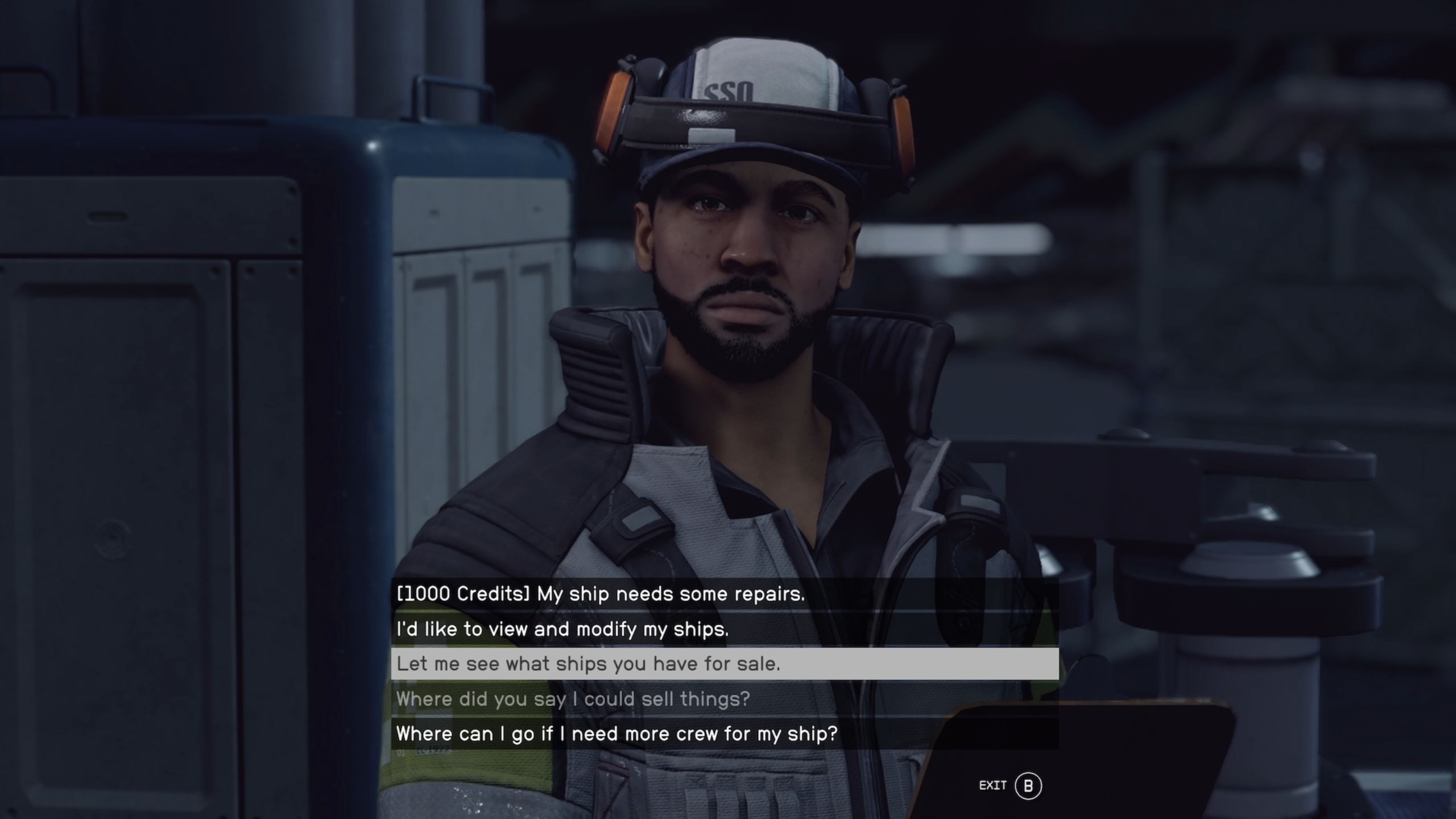
Strangely, there’s no option to sell your ship in the dialogue options. Instead, you have to see what spaceships the vendor has for sale.
-
Step
4Press Y to enter Sell mode
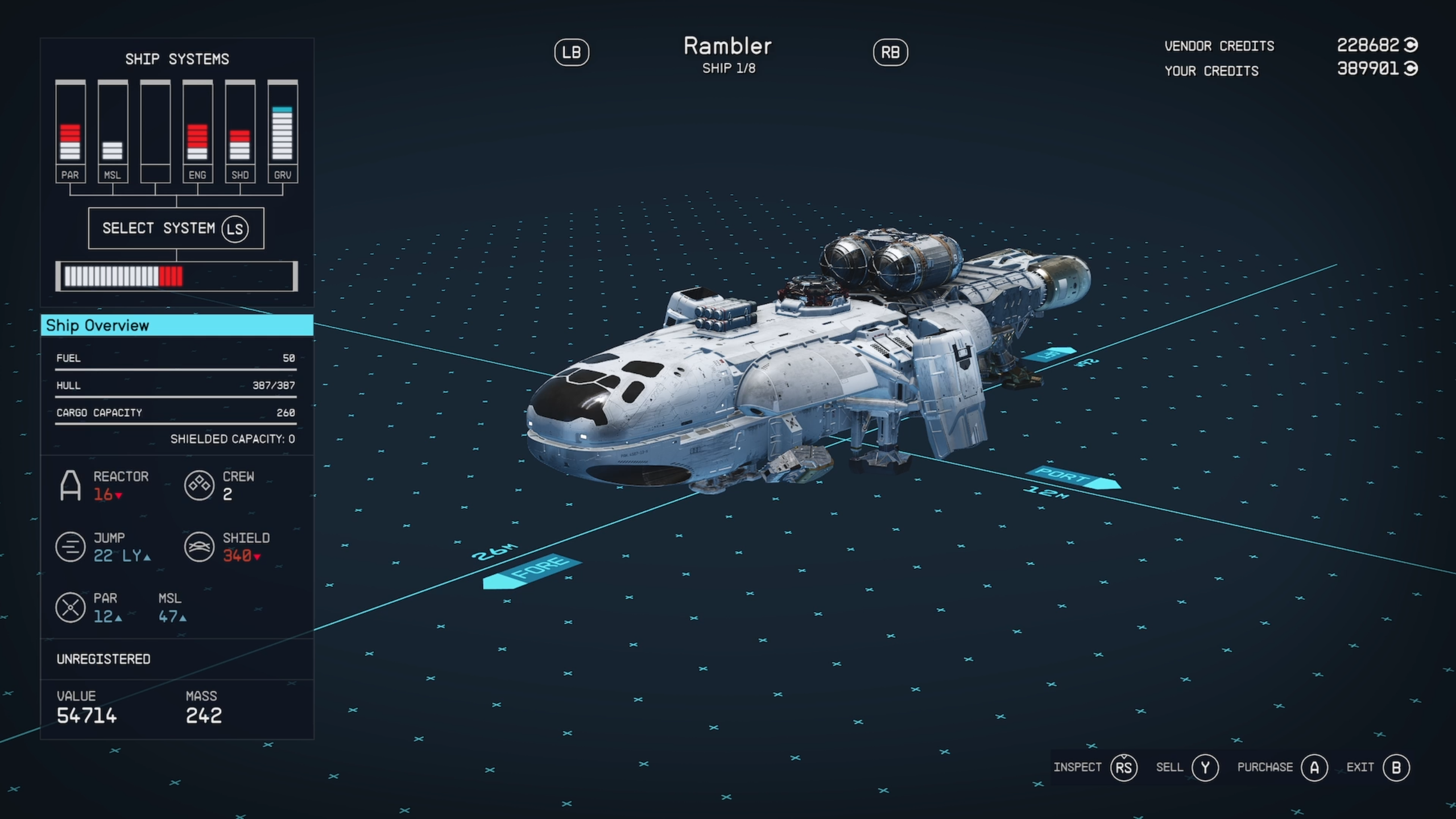
Instead of browsing the ships the vendor has the sale, you can press Y on the Xbox controller to open up the Sell mode.
-
Step
5Press A on the ship you want to sell
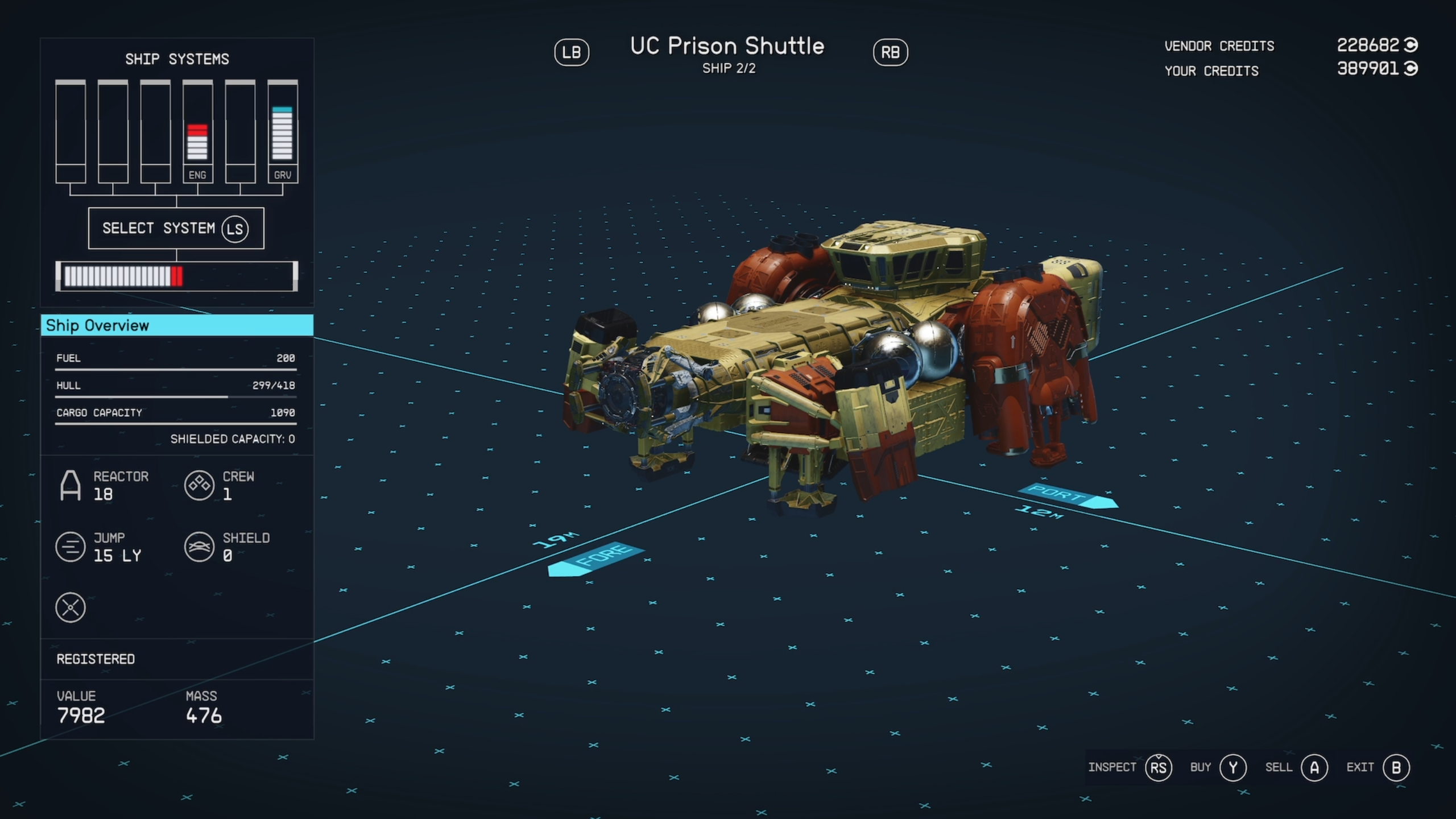
Your own spaceships should now appear on screen. Use LB and RB on your Xbox controller to cycle through them. You cannot sell your active ship, and you need to have at least two ships in order to make a sale. Press A on the ship you want to sell.
-
Step
6Confirm sale
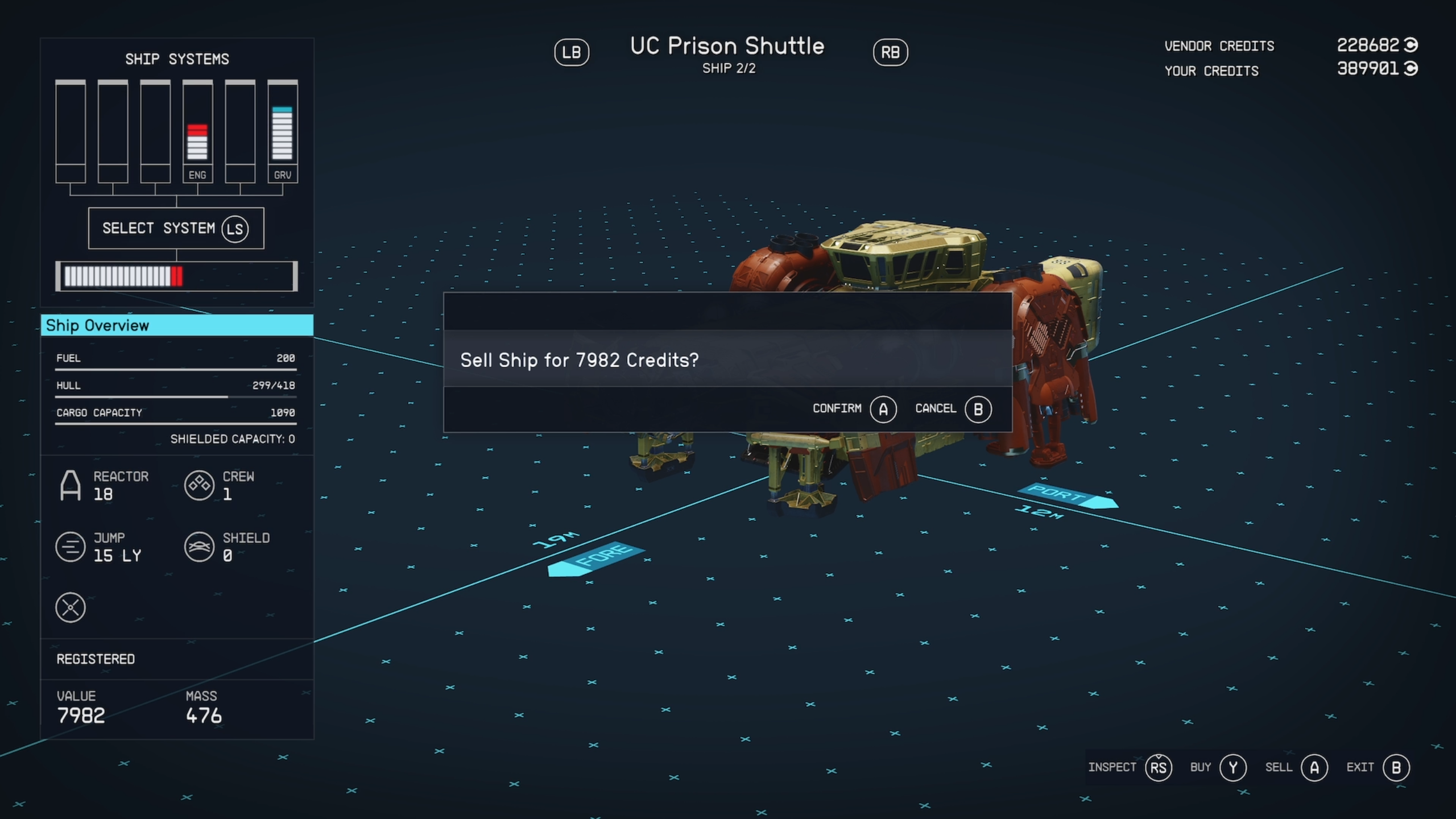
Press A once again to confirm the sale of the spaceship. You should now see the proposed credits enter your account.
Troubleshooting
Yes, you can own multiple ships in Starfield, but only one can be active at a time.
You can only sell registered ships in Starfield. If you’ve stolen a ship, then you’ll need to pay a registration fee to a Ship Service Technician before you can upgrade or sell it.
You are not able to sell active ships, but it’s very easy to swap ships. When speaking to a Ship Service Technician, hover over another ship and click on the controller’s start button to make it active. Your previously active ship will now be available to sell.
Originally posted 2023-09-08 14:48:10.