If you want to indulge in Amazon Freevee but prefer to watch along with subtitles, here are the steps you need to follow.
Amazon Freevee is a completely free-to-use streaming service from Amazon. The platform was introduced in 2022 to replace the company’s former streaming service, IMDb TV.
If you want to learn more about how to sign up for Amazon Freevee, then make sure you check out our dedicated explainer.
Once you’ve signed up, make sure you return to this article to find out the easiest way to turn on subtitles, so you can watch along to your favourite TV show without fear of missing out on the dialogue.
What you’ll need:
The Short Version
- Open Amazon Freevee
- Login to your account
- Select the movie/TV show you want to watch
- Select Watch Now
- Select the hamburger menu
- Go to subtitles
- Select the relevant subtitles
Get an extra 100GB data with this iPhone 15 contract deal
Mobile Phones Direct is offering the iPhone 15 on contract with 350GB of data for the price of 250GB.
- Mobile Phones Direct
- 100GB extra
- £42 a month
View Deal
-
Step
1Open Amazon Freevee

Go to the Amazon Freevee platform. You can download it as an app or access it via a web browser.
-
Step
2Login to your account
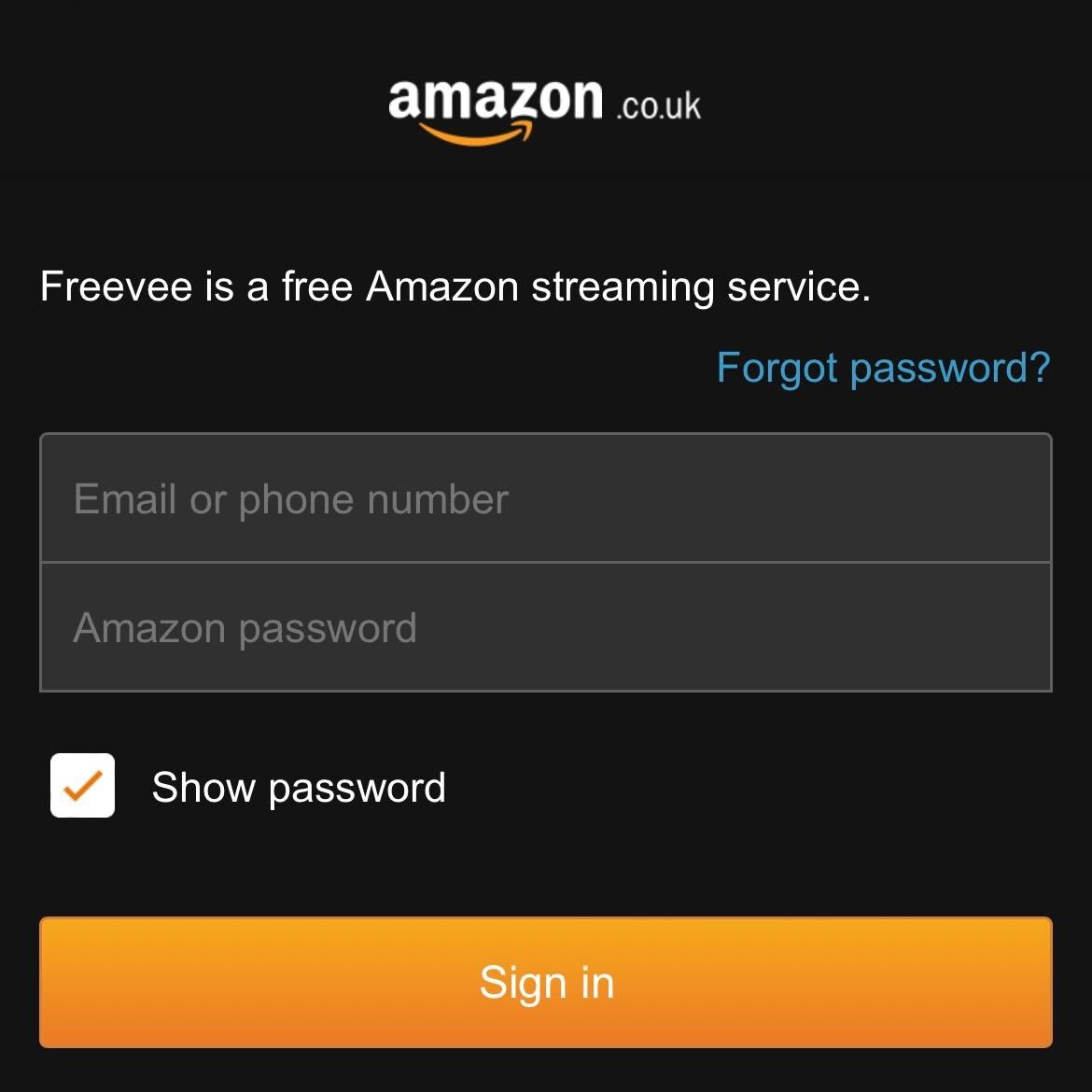
Login to your account. If you already have an Amazon Prime account you can link them together, but you can also create an account if you don’t have access to Amazon Prime.
-
Step
3Select the movie/TV show you want to watch
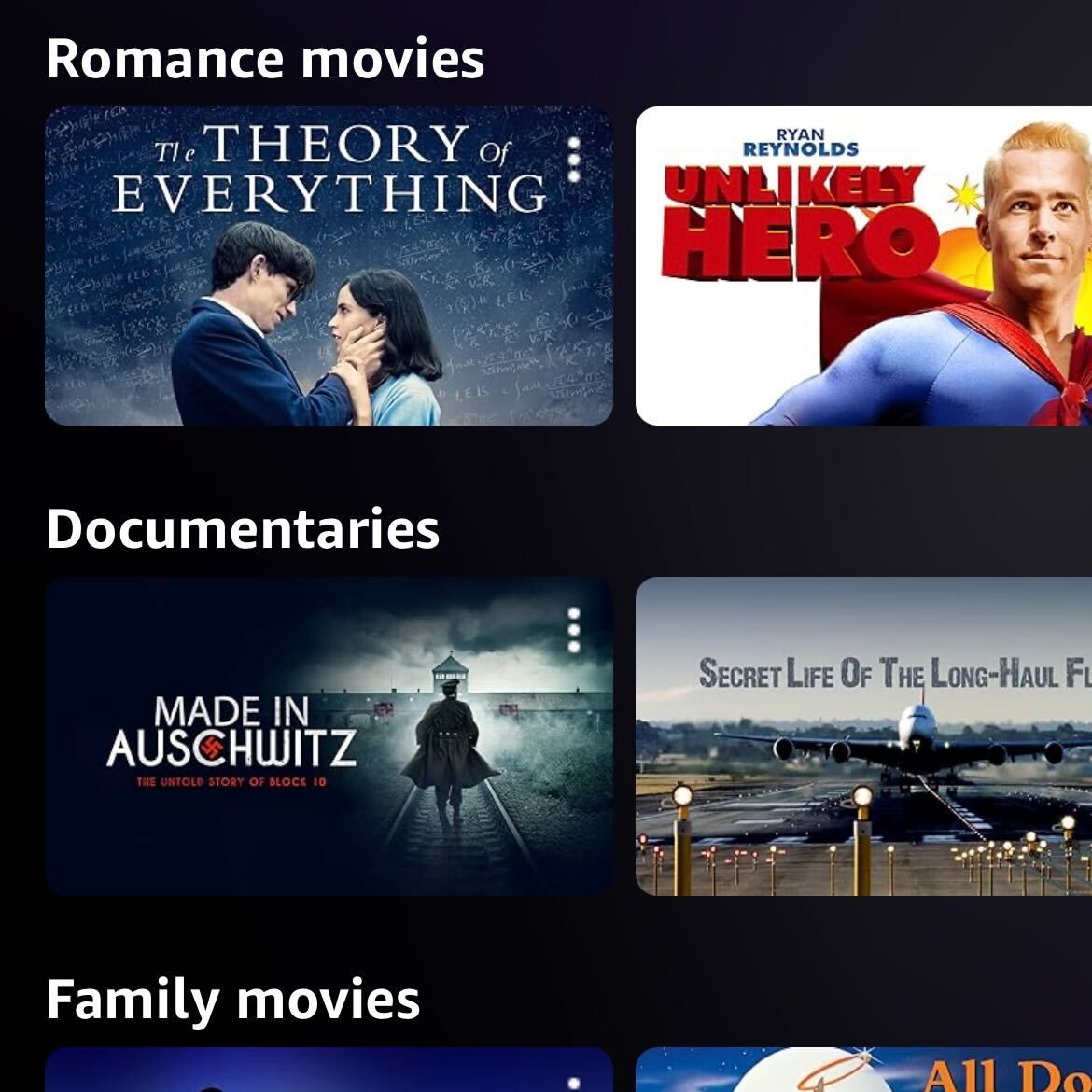
Select the TV show or movie that you want to watch from the selection provided.
-
Step
4Select Watch Now
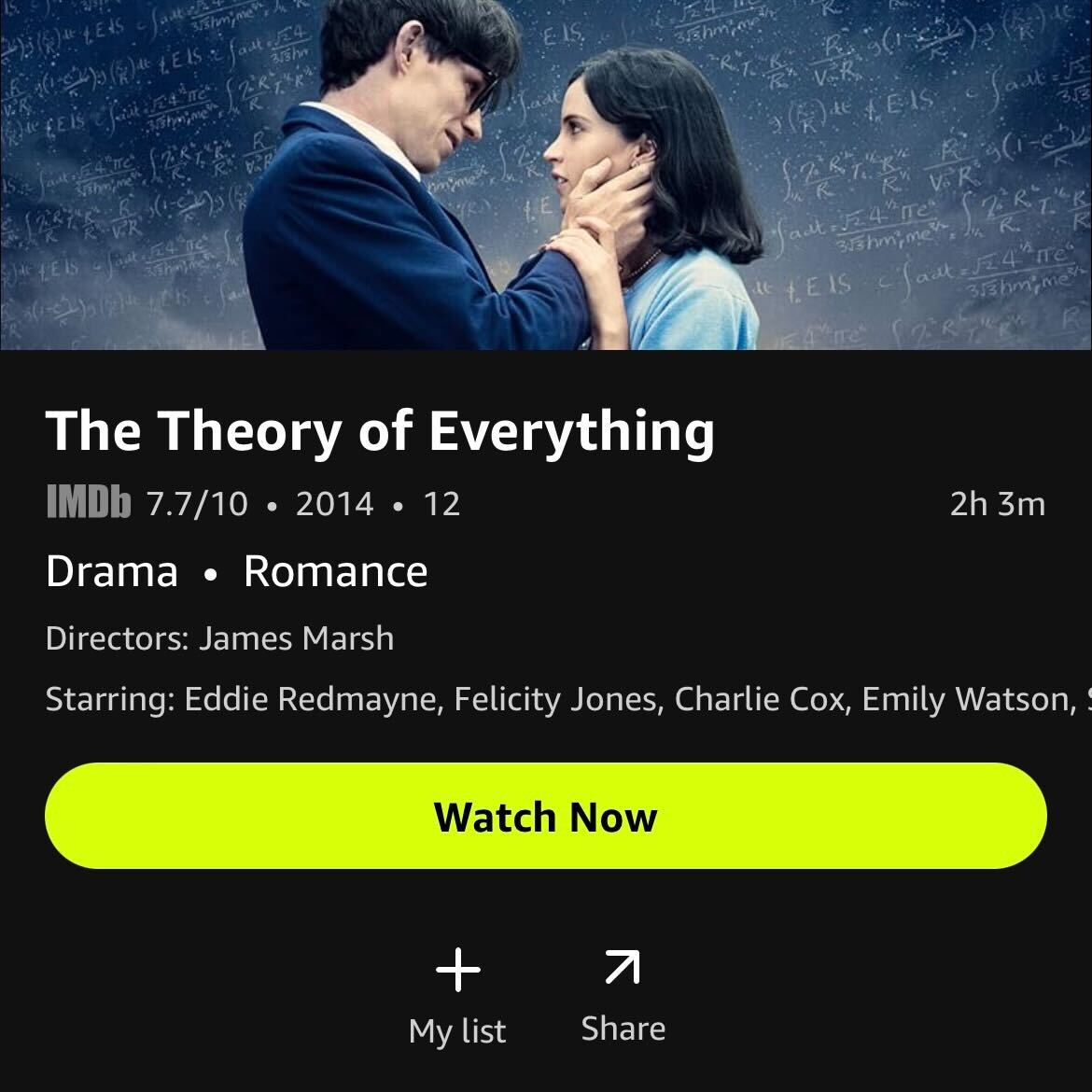
Select the Watch Now button to start watching your chosen piece of media.
-
Step
5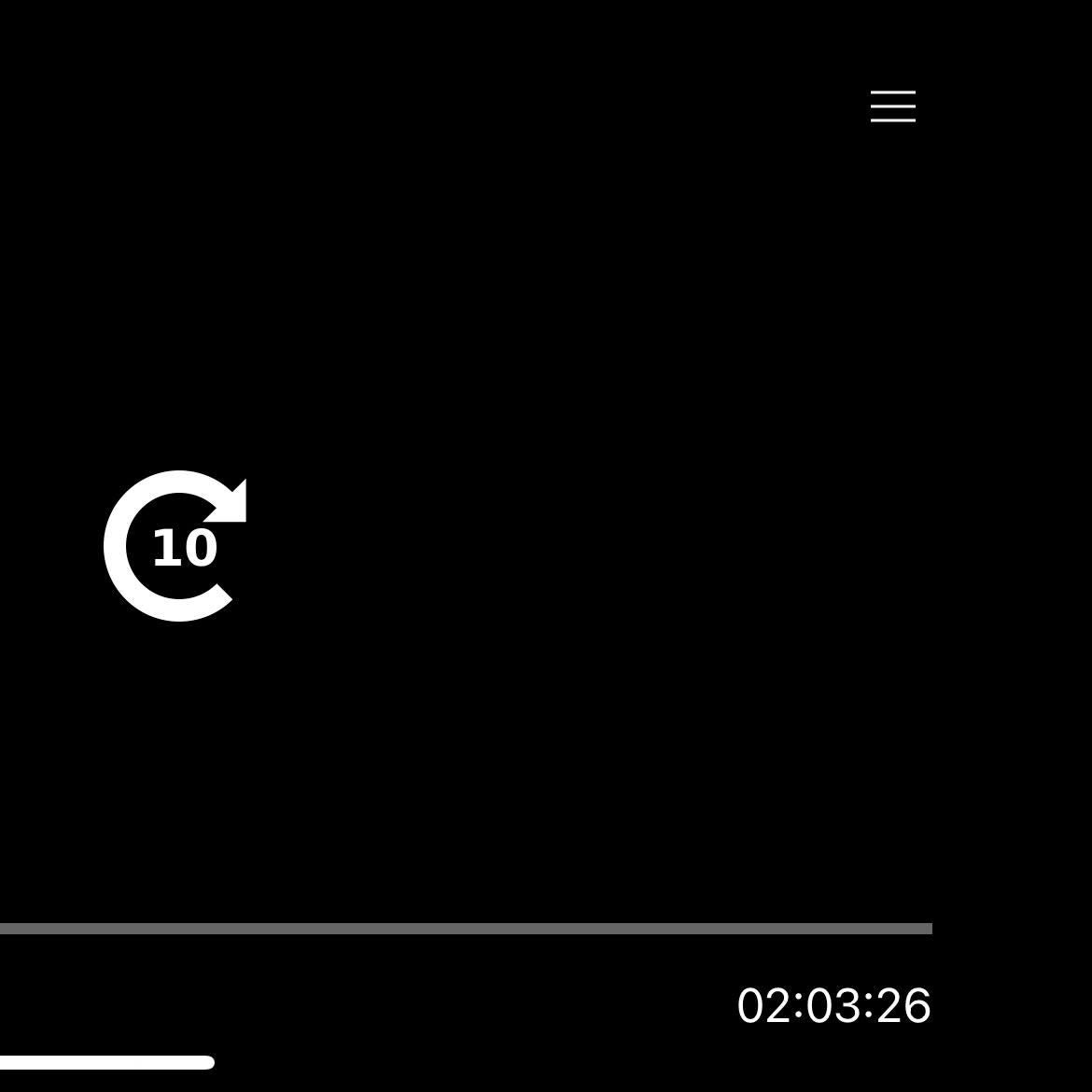
In the top right-hand corner of the screen, select the hamburger menu. It looks like three small white lines stacked on top of each other.
-
Step
6Go to subtitles
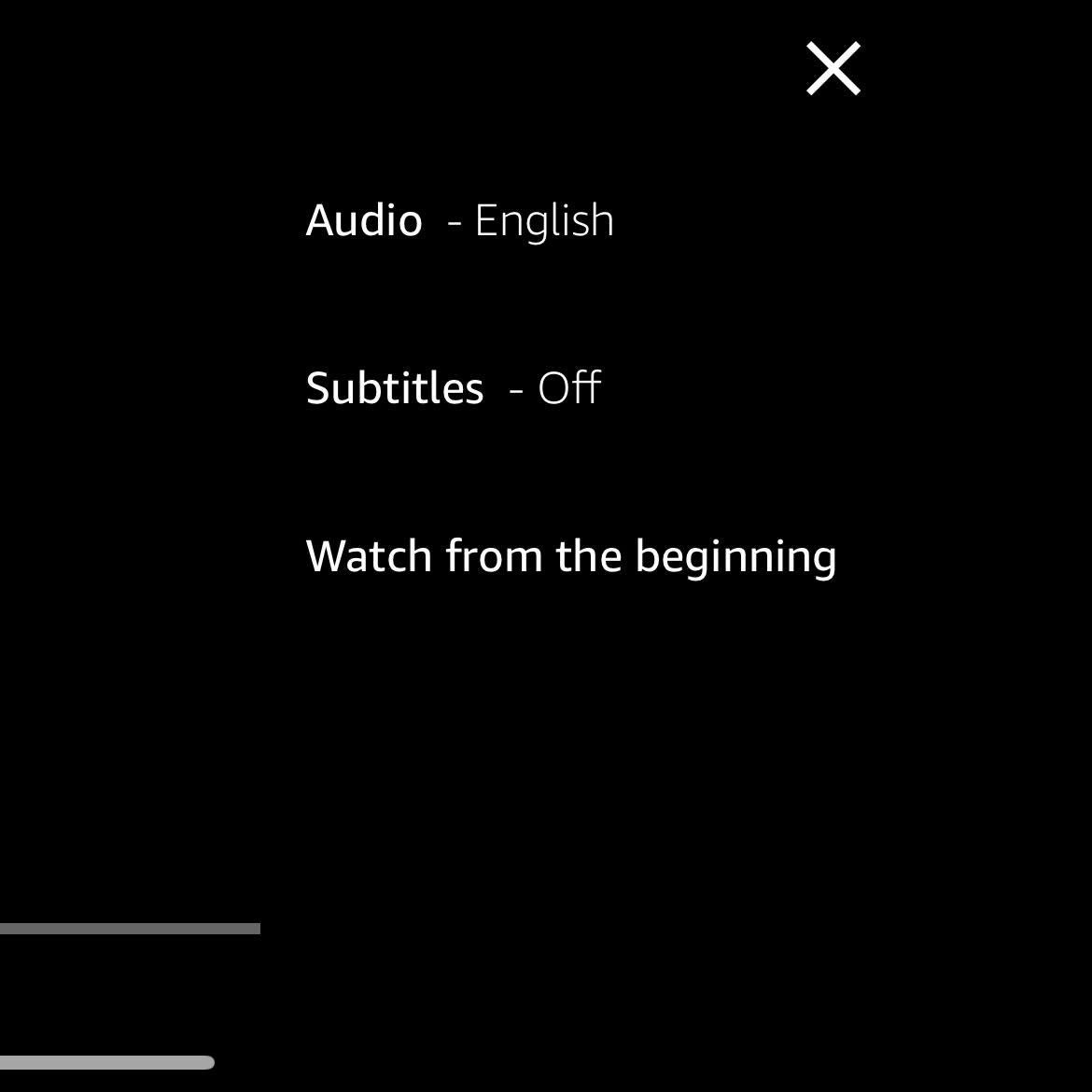
From the drop-down menu, select the heading called subtitles.
-
Step
7Select the relevant subtitles
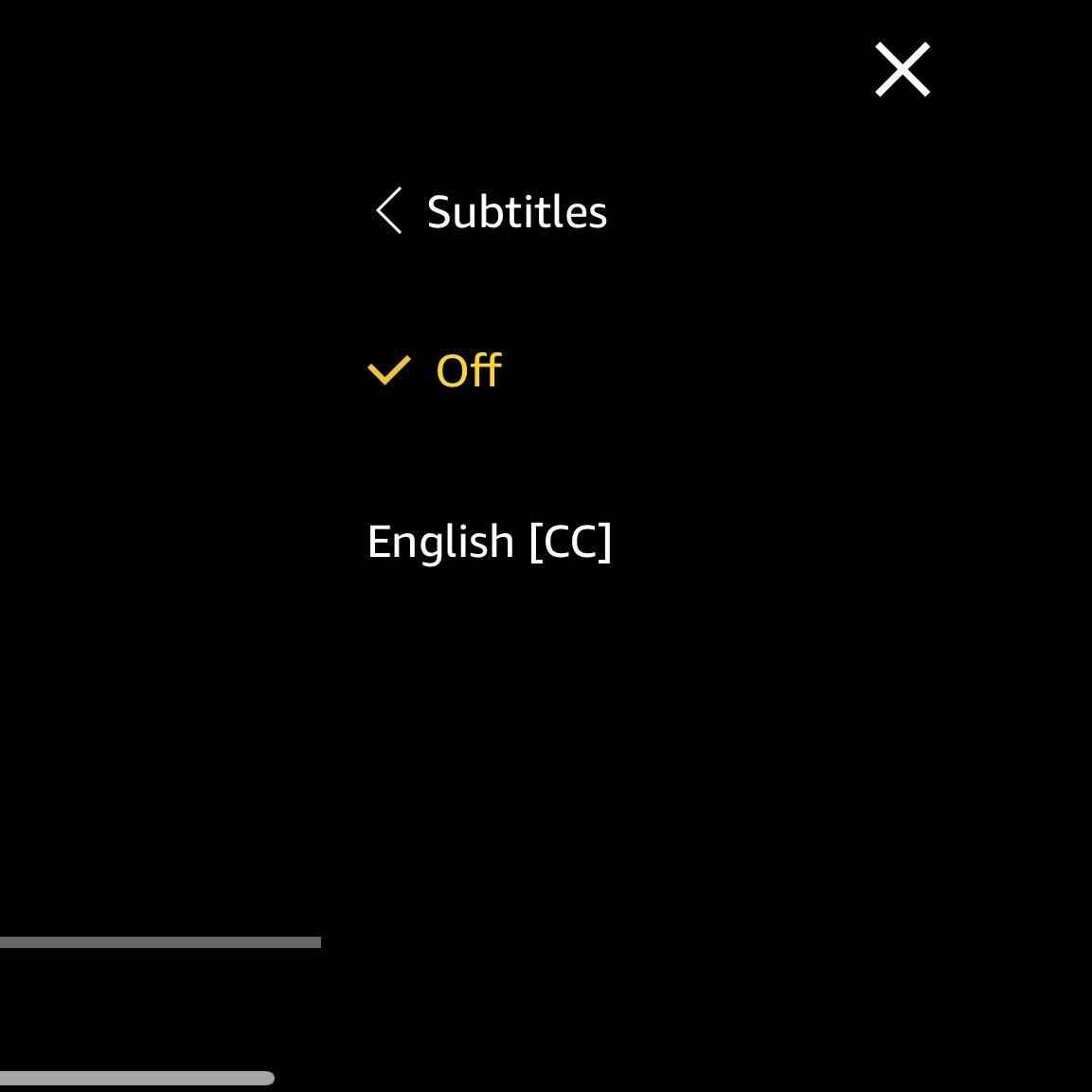
Select the subtitles that will work best for you.
Troubleshooting
Not every video will have subtitles on Freevee, and not every language will be supported on each video. You can check if a video has subtitles and which language they support by following the steps above.
Originally posted 2023-09-27 09:06:53.