We live in a world of subscription services in 2023 and, while PlayStation Plus has plenty of benefits, you may have decided it’s one you now need to go without. Here’s how to cancel it.
PlayStation Plus offers a combination of simple access to online gaming a games library to explore and some game streaming to dabble in as well. The rates recently increased, with Essential, Extra and Premium all getting a bump up in cost. As such, you might think it’s time to ditch the service.
You can cancel PlayStation Plus directly from your console and we’ll give you direction on that in the Troubleshooting section at the end of this article but the focus of this guide will be cancelling using the web. Let’s dive in.
What you’ll need:
- A PlayStation Plus subscription
- A PC/Mac with an internet connection
The Short Version
- Open a web browser
- Go to PlayStation.com and click Sign In
- Sign in to your account
- Open Account Settings
- Select Subscriptions
- Click Cancel Subscription
Apple TV+
The Home of Apple Originals. Enjoy star-studded, award-winning series, films, and more. Grab your 7 day free trial now.
- Apple
- 7 day free trial
- £6.99 p/m
Sign up
-
Step
1Open a web browser
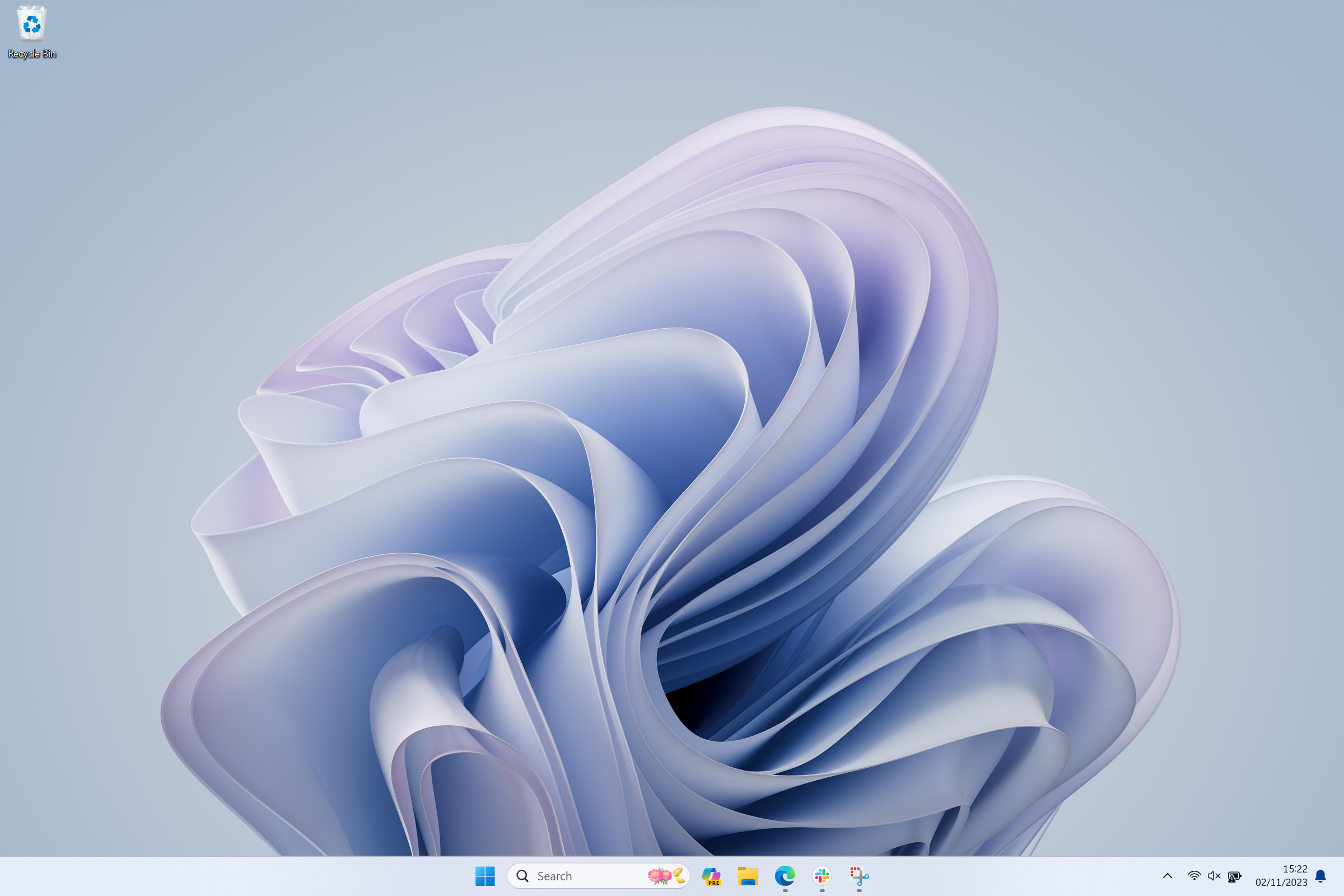
From your home screen, select a web browser.
-
Step
2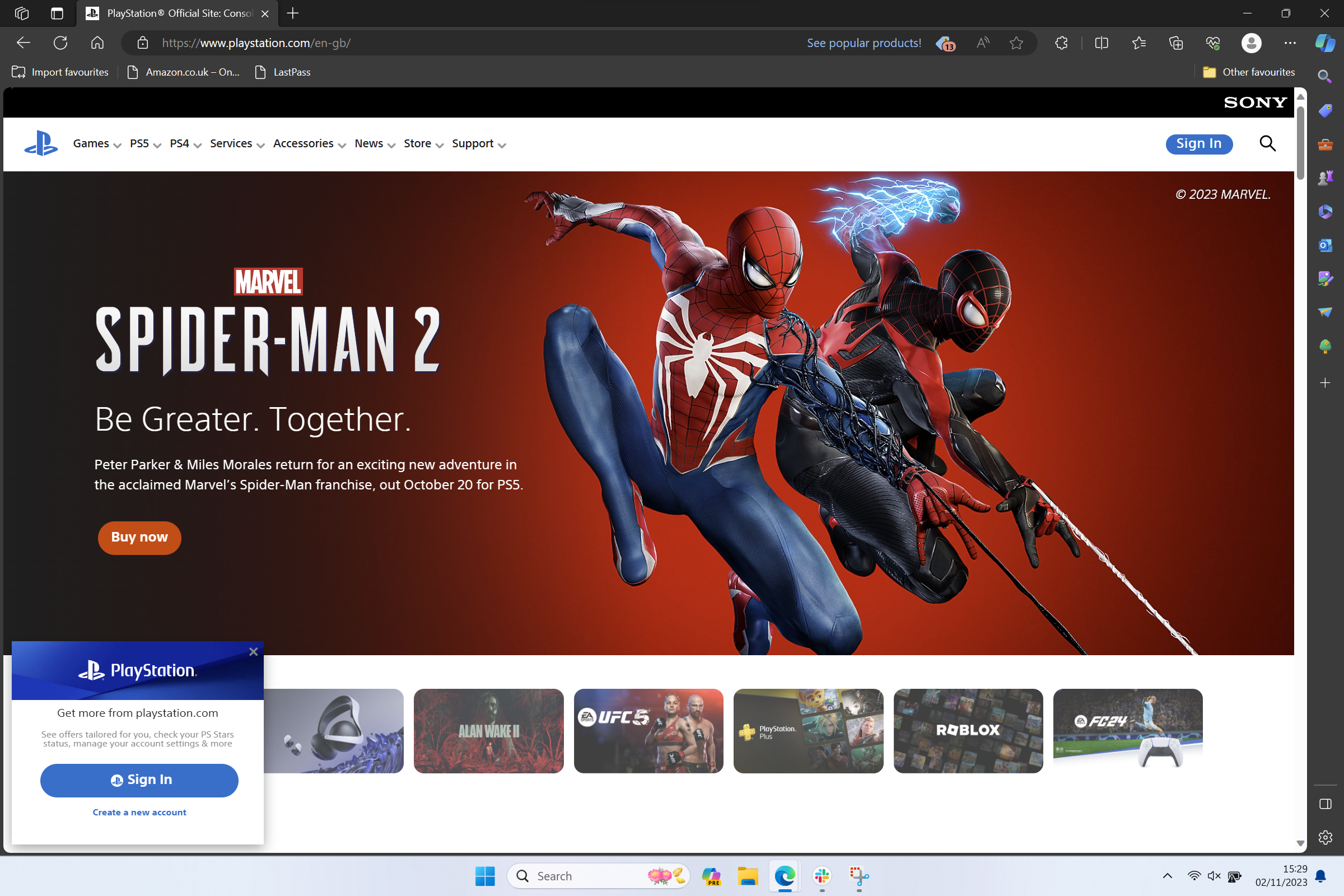
In your web browser, go to PlayStation.com and then select Sign In towards the top right corner.
-
Step
3Sign in to your account
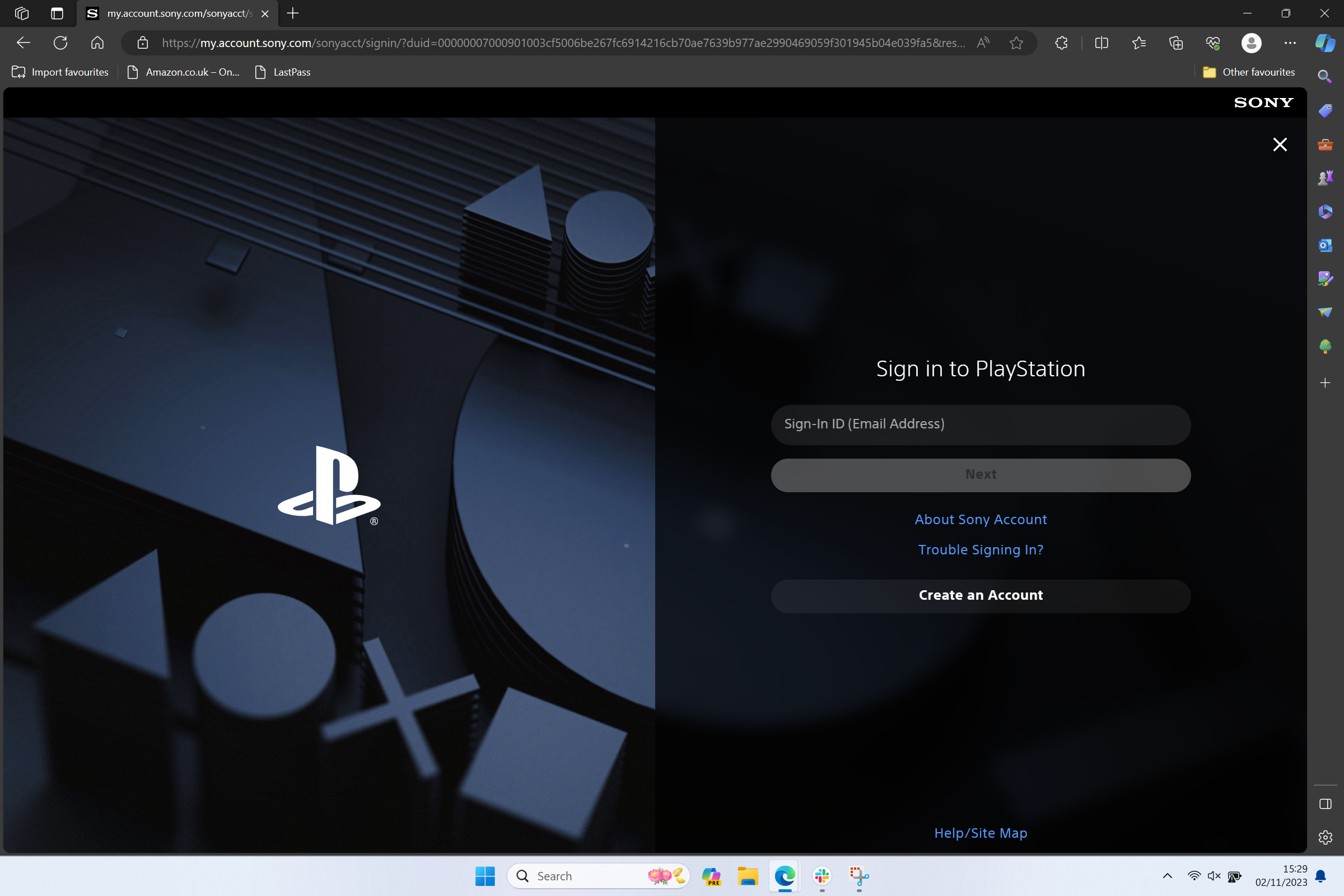
You’ll be taken to the sign-in page where you can then log into your account.
-
Step
4Open Account Settings
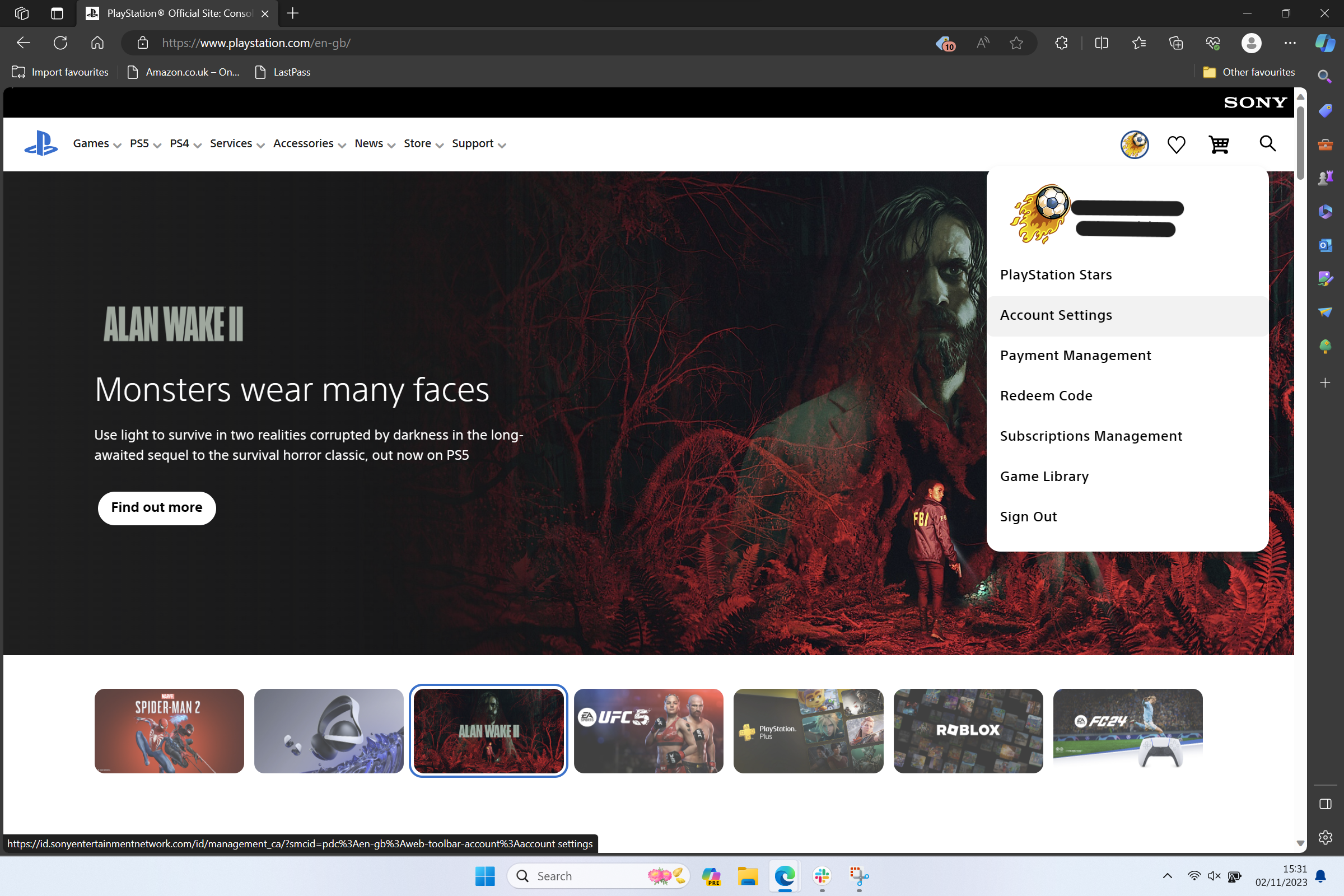
Click your profile icon at the top right and a dropdown menu will appear. Select Account Settings.
-
Step
5Select Subscriptions
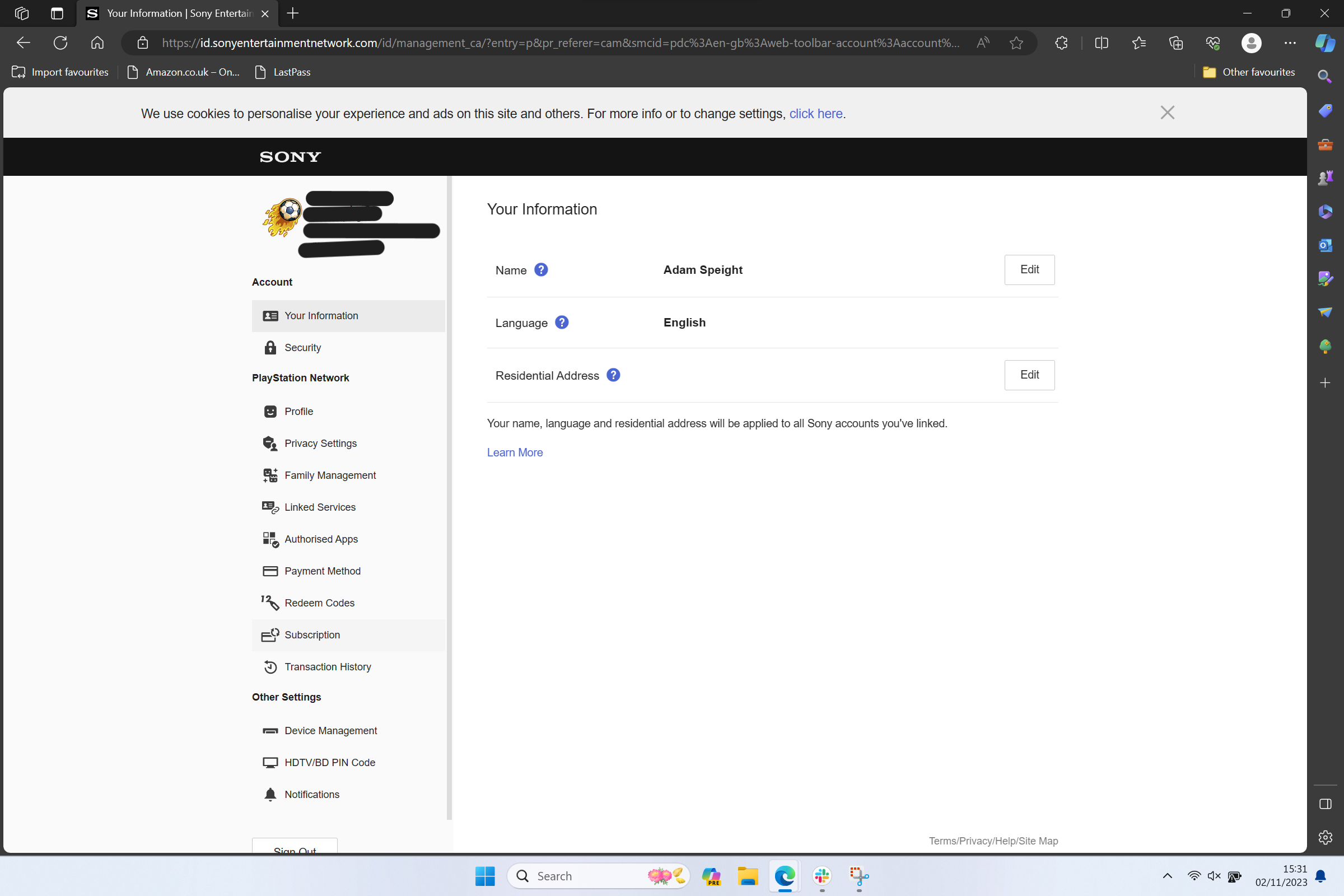
You’ll be taken to your Account Settings page. From the left side, click Subscriptions.
-
Step
6Click Cancel Subscription
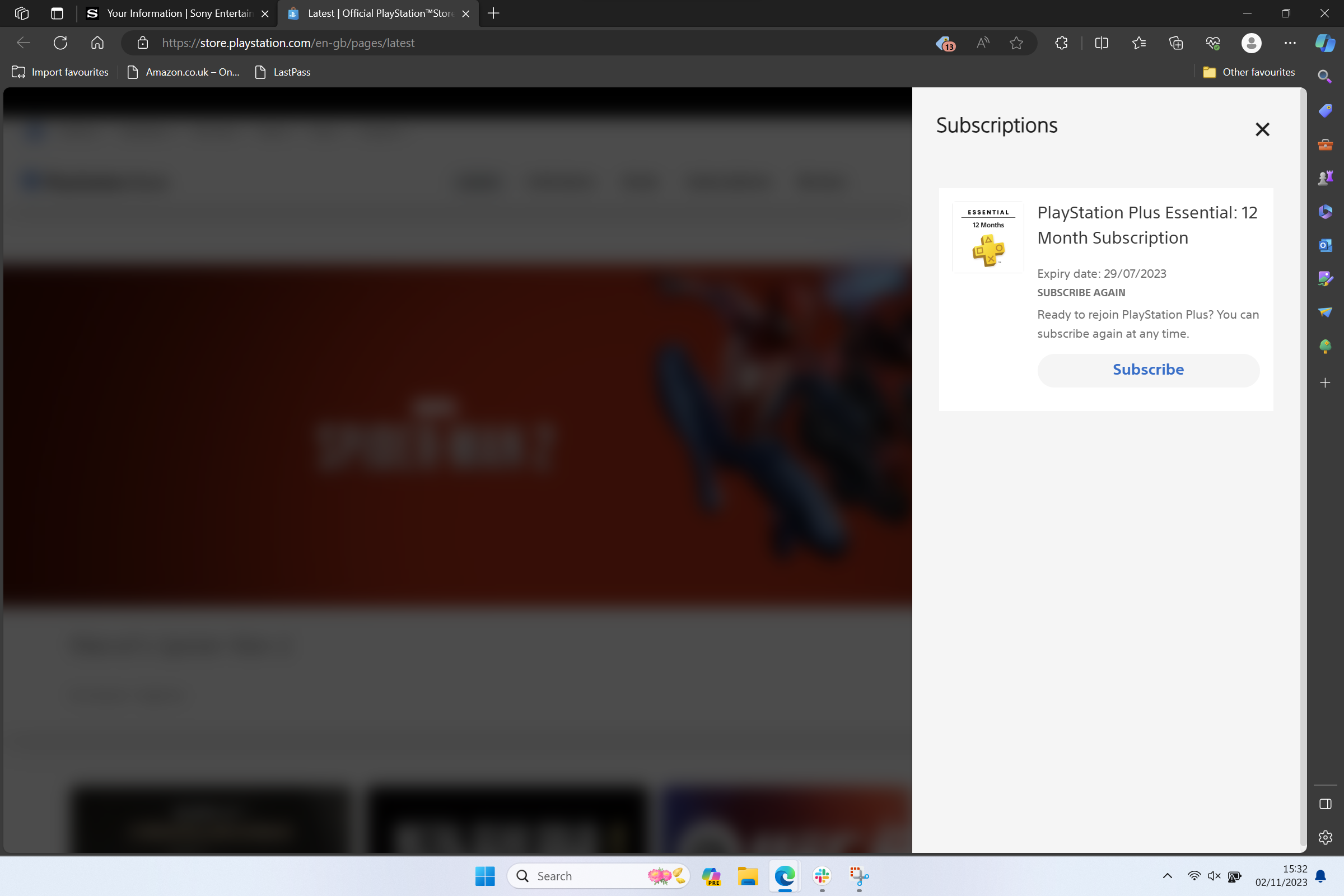
If you have an active description, you’ll then be shown this page but with the option to click Cancel Subscription.
Troubleshooting
On your PlayStation 5, head on over to Settings then select Users and Accounts. Then, click Select Account then Payment and Subscriptions and Subscriptions. You’ll then see a PlayStation Plus option, click that then finally select Cancel Subscription.
Originally posted 2023-11-02 16:27:21.